
|
Do it yourself
| |||
| ||||


How to reset the tire pressure sensor of the Audi A6 2010
Model: Audi A6
MK 3, C6
- Years 2004-2012
To manually reset the tire pressure warning light on the instrument panel of your 2010 Audi A6, you must follow all the steps described in the following guide. First of all, get into the car and turn on the ignition if it is still off, then press the "Car" button located below the gear lever. At this point, scroll through the various available options using the appropriate knob and select the "Tire pressure monitoring" option. Finally, select the "Store now" option and confirm the manual reset of the warning light.
Posted on 25 July 2024 by ScegliAuto
Video tutorial
Related tutorials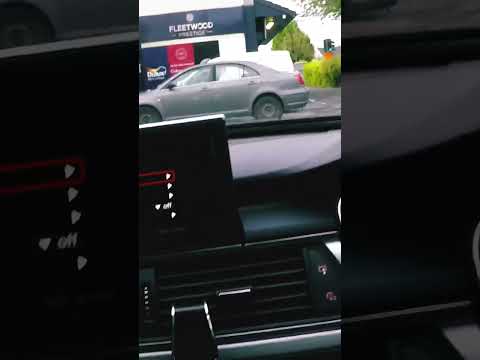
Audi A6
(2011-2018 /
C7, MK 4)
The tire pressure sensor in the Audi A6 mk7, produced from 2011 to 2018, can be reset using the vehicle's monitor. After checking the tire pressure, …
Audi A6
(2011-2018 /
C7, MK 4)
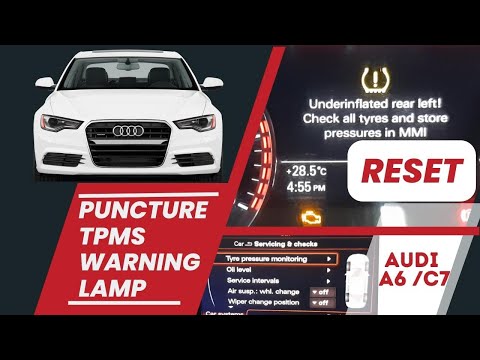
To reset the tire pressure warning light on the seventh generation Audi A6 MK7, we need to turn on the car's instrument panel and onboard computer an…

Audi A6
(2018-2026 /
C8, MK 5)
In today's video, we will see the method for resetting the tire pressure warning light on an Audi A6, fifth series model produced from 2018 onwards. …
Other guides you may be interested in |
How to Remove the Original Radio on a Ford C Max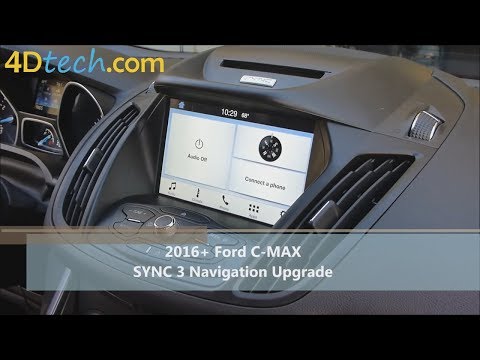
Learn how to remove the original radio on a Ford C Max. First, use a plastic trim tool to remove the upper dashboard cover panel, then, with the aid of a screwdriver, unscrew the securing screws located on the metal tabs at the top sides of the stereo. Now, pull the air vents with the integrated frame away from the dashboard, unscrew the side securing screws of the stereo, disconnect the various power connectors located at the rear of the stereo and the antenna reception cable, and extract the radio from its housing. To reassemble the various disassembled parts, proceed in reverse order. by ScegliAuto More videos
|
|
For advertising on this site Write to info@scegliauto.com
ScegliAuto is not responsible for any inaccuracy of the data in the lists. To report any inaccuracy or your business (if you own the business in question), please write to info@scegliauto.com
Number of seconds to generate the page: 0.041
(c) ScegliAuto 2026 - info@scegliauto.com - Privacy policy VAT number: IT01247470535 |
