
|
Do it yourself
| |||
| ||||


How to Replace the Clutch on a Beta RR 125
Model: Beta Rr 125
Video tutorial
Today's main information will show you how to remove and replace the clutch kit on a Beta RR 125 in simple steps. First, place the bike on a stand and start by unscrewing the engine oil drain bolt, allowing it to drain into a container for about ten minutes. Then, unscrew the side bolts of the clutch cover, disconnecting the cable from the adjuster as shown in the video. At this point, unscrew the bolts of the clutch pack to remove all the discs one by one, replacing them with new ones. Reassemble the clutch correctly and finally the cover, pouring in the new oil!
Updated on 29 October 2026 by ScegliAuto
Related tutorials
Rr 125
In this brief guide, we will look at the instructions that will allow us to disassemble and replace the clutch assembly of the Beta RR 125 enduro mot…

Rr 125
To replace the clutch of the Beta RR 125, you need to loosen the screws that secure the cover located on the right side of the bike, corresponding to…

Rr 125
Begin by sitting on the rider's seat of your Beta RR 125. Next, insert the key into the ignition switch and turn it to activate the instrument panel.…
|
How to Replace the Clutch on a Yamaha YXZ 1000R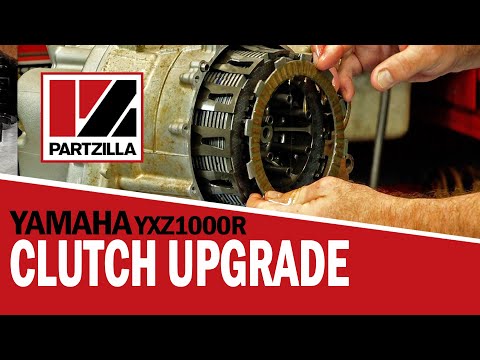
To replace the clutch on a Yamaha YXZ 1000R, loosen all the bolts securing the clutch side cover, located on the right side of the bike. Once the cover is removed, you will have access to the underlying components. The clutch discs can be completely removed by unscrewing the corresponding locking screws. This will allow you to insert the new clutch discs into their housing, cover everything with the side cover, and check that everything functions correctly. by ScegliAuto More videos
|
|
For advertising on this site Write to info@scegliauto.com
ScegliAuto is not responsible for any inaccuracy of the data in the lists. To report any inaccuracy or your business (if you own the business in question), please write to info@scegliauto.com
Number of seconds to generate the page: 0.005
(c) ScegliAuto 2026 - info@scegliauto.com - Privacy policy VAT number: IT01247470535 |
