
|
Do it yourself
| |||
| ||||


How to Remove the Navigation Screen
Model: BMW Serie 5
E61, E60
- Years 2003-2010
In this short video, you will see the process of removing the CID (Control Information Display) on a BMW E60 5 Series. First, remove the small torx screws (using a T10 wrench) located on the right and left of the panel. This way, the navigation screen can be extracted. Now, disconnect the wiring that connects the display to the radio unit below it: to do this, detach the connector located at the back of the screen at the top right. Lift the white lever at the end of the cable, then disconnect it from the video unit.
Updated on 4 February 2026 by ScegliAuto
Video tutorial
Related tutorials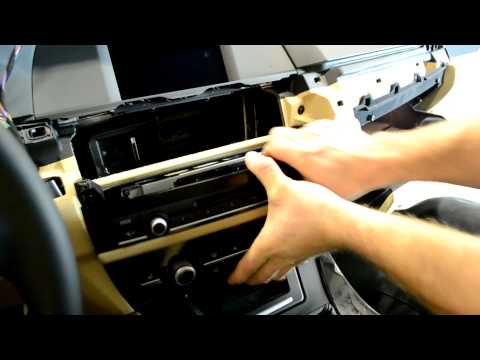
BMW Serie 5
(2010-2017 /
F11, F10)
You probably look at the front part of the cabin every day and would never think of taking it apart. However, if you ever feel like doing it, know th…
BMW Serie 5
(2010-2017 /
F11, F10)
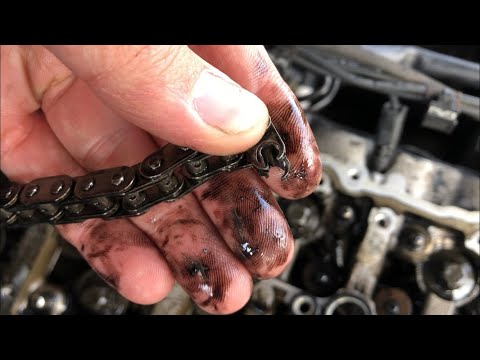
Today, you will learn how to disassemble and replace the timing chain on a BMW 5 Series. We will focus on the main steps. First, open and lift the ho…
BMW Serie 5
(2010-2017 /
F11, F10)
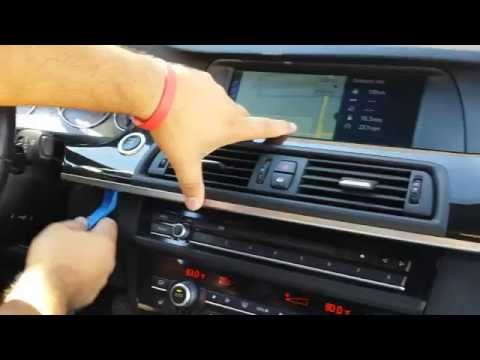
If you need to remove the car radio or the navigation display, follow the images in the video to see that it is not as difficult as it may seem. Firs…
Other guides you may be interested in |
How to Bleed the Clutch on a Renault Clio?
To bleed the clutch on a Renault Clio, open the bonnet to access the components located in the engine bay: here, you will need to undo the screws that secure the battery in its housing, the intake manifold, and the coolant reservoir. This will allow you to locate the pipe through which the brake fluid flows: by inserting the other end of the pipe into a container, you can press the clutch pedal to expel all the fluid until it fills the container. by ScegliAuto More videos
|
|
For advertising on this site Write to info@scegliauto.com
ScegliAuto is not responsible for any inaccuracy of the data in the lists. To report any inaccuracy or your business (if you own the business in question), please write to info@scegliauto.com
Number of seconds to generate the page: 0.195
(c) ScegliAuto 2026 - info@scegliauto.com - Privacy policy VAT number: IT01247470535 |
