
|
Do it yourself
| |||
| ||||


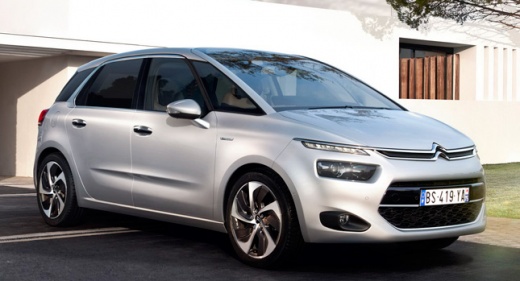
How do you reset the partial odometer of the Citroën C4 Picasso?
Model: Citroen C4 Picasso
MK 2
- Years 2013-2022
In order to reset the partial odometer of the Citroën C4 Picasso, you need to turn on the instrument panel by inserting the ignition key into the corresponding slot: once the panel is turned on, you need to hold down the button located at the end of the lever on the right side of the steering wheel. This will bring up the screen showing the partial odometer: when this screen appears, you need to continue holding down the button so that you can see the partial odometer reset to zero.
Posted on 20 November 2024 by ScegliAuto
Video tutorial
Related tutorials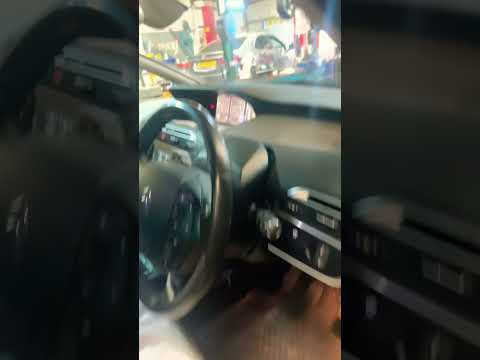
Citroen C4 Picasso
(2013-2022 /
MK 2)
Today's guide will show us how to reset the tire pressure monitoring system (TPMS) of the Citroen C4 Picasso and C4 Grand Picasso; before performing …

Citroen C4 Picasso
(2013-2022 /
MK 2)
To reset the ECU of the Citroën C4 Picasso, you need to connect a diagnostic tool to the OBD port of the vehicle: this port can be found on the dashb…
Citroen C4 Picasso
(2013-2022 /
MK 2)
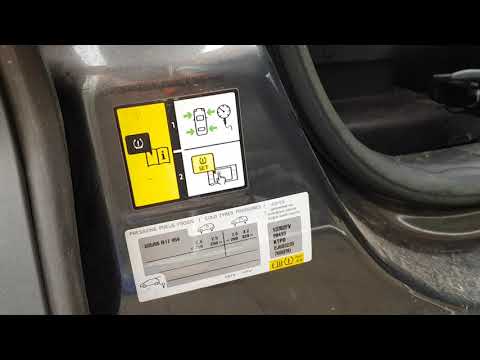
Today we will see the necessary procedure on how to reset the tire pressure warning light (TPMS) on your Citroen C4 Picasso; All four tires must be a…
Other guides you may be interested in
|
Frequently Asked QuestionsRemoving the Front Wheel of a Yamaha Tmax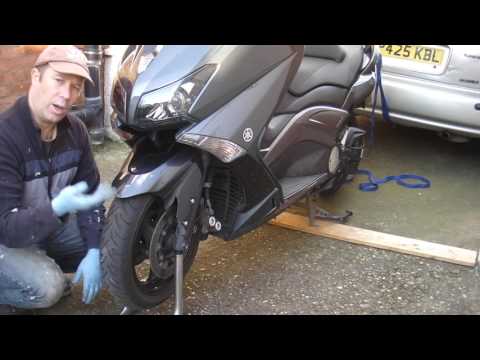
In this video tutorial, you will learn how to remove the front wheel of a Yamaha Tmax 530 (penultimate series). First, remove the fork bolts using a ratchet spanner: then also remove the brake caliper. Now, you will need a stand to lift the front of the bike to safely remove the wheel: then unscrew the central bolt of the wheel: at this point, you can remove it. If desired, you can also remove the mudguard by unscrewing the relevant screws. Apply the reverse procedure for reassembly! by ScegliAuto More videos
|
|
For advertising on this site Write to info@scegliauto.com
ScegliAuto is not responsible for any inaccuracy of the data in the lists. To report any inaccuracy or your business (if you own the business in question), please write to info@scegliauto.com
Number of seconds to generate the page: 0.111
(c) ScegliAuto 2026 - info@scegliauto.com - Privacy policy VAT number: IT01247470535 |
