
|
Do it yourself
| |||
| ||||


How to change the time on the Citroen AX
Model: Citroen Ax
MK 1
- Years:
1986, 1987, 1988, 1989, 1990, 1991, 1992, 1993, 1994, 1995, 1996, 1997
Video tutorial
Changing the time displayed on the instrument panel of your Citroen AX is really very simple. All you have to do is carefully read the following guide and follow the various steps described. First, get into the car and reach the driver's seat, then start the instrument panel of your Citroen AX and locate the button below the tachometer, on the right side of the panel. Once you have located the button in question, rotate it clockwise to change the minutes figure and counterclockwise to change the hours figure.
Posted on 10 October 2025 by ScegliAuto
Related tutorials
Citroen C3
(2009-2016 /
SC)
In this short video tutorial, learn how to change the time on a second-generation Citroen C3, produced from 2009 to 2016. First, turn on the vehicle'…
Citroen Cactus
(2014-2020 /
MK 1)
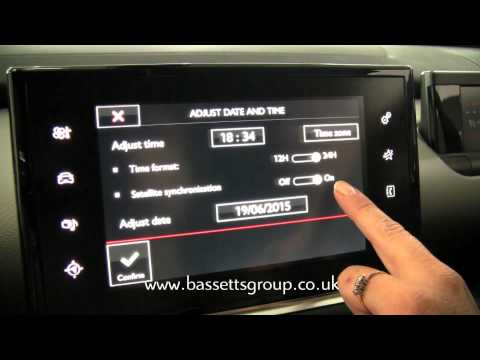
In this brief video tutorial, you will see the steps necessary to change the time on a Citroen C4 Cactus, a model produced from 2014 to 2020. First, …
Citroen C1
(2014-2022 /
MK 2)
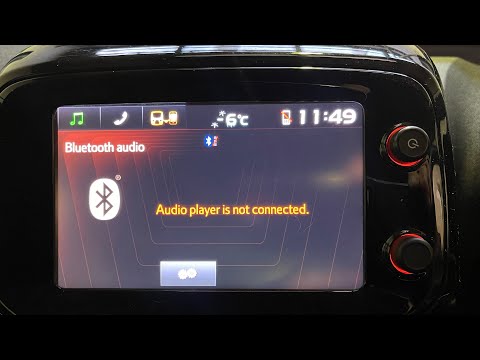
In this mini guide for all second-generation Citroen C1 owners, learn how to manually change the time displayed on the car's onboard computer. First,…
Other guides you may be interested in
|
How to reset the tyre warning light on the Hyundai IX35
To manually reset the tyre warning light on the instrument panel of your Hyundai IX35, follow the steps described in this guide. First, get into the car and reach the driver's seat, then turn on the instrument panel and locate the "Set" button with the tyre warning light icon. At this point, press and hold the button until the TPMS light stops flashing on the display. The reset procedure is now successfully completed. by ScegliAuto More videos
|
|
For advertising on this site Write to info@scegliauto.com
ScegliAuto is not responsible for any inaccuracy of the data in the lists. To report any inaccuracy or your business (if you own the business in question), please write to info@scegliauto.com
Number of seconds to generate the page: 0.059
(c) ScegliAuto 2026 - info@scegliauto.com - Privacy policy VAT number: IT01247470535 |
