
|
Do it yourself
| |||
| ||||


Removing the Rear Light of a Fiat Grande Punto
Model: Fiat Punto
MK 3, Punto EVO, 199, Grandepunto
- Years 2005-2018
The video shows how to remove the rear light of a Fiat Grande Punto and replace a bulb in that light. This is a very simple operation that can be done yourself without spending money. First, unscrew the two screws with a screwdriver. Pull the light towards you starting from the highest point. Remove the white connector by pressing the tab. Using a cross-head screwdriver, remove the two screws from the inner part of the light. Pull the unscrewed part. Now you can remove the broken bulbs. Just press and twist them. Then insert the new ones, pressing and twisting them.
Updated on 4 June 2026 by ScegliAuto
Video tutorial
Related tutorials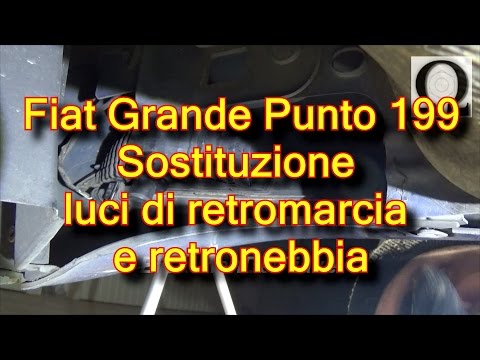
Fiat Punto
(2005-2018 /
MK 3, Punto EVO, 199, Grandepunto )
In today's tutorial, we will go through the steps to remove and replace the fog light bulb on a Fiat Grande Punto, as well as on the Punto Evo. To ac…
Fiat Punto
(2005-2018 /
MK 3, Punto EVO, 199, Grandepunto )
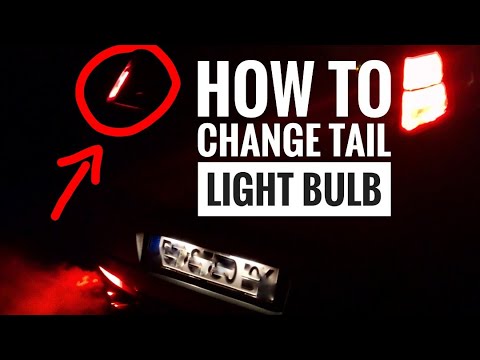
In today's video, you will learn how to replace the rear headlamp bulbs on a Fiat Grande Punto in a few simple steps. First, open the boot and unscre…
Fiat Punto
(2005-2018 /
MK 3, Punto EVO, 199, Grandepunto )
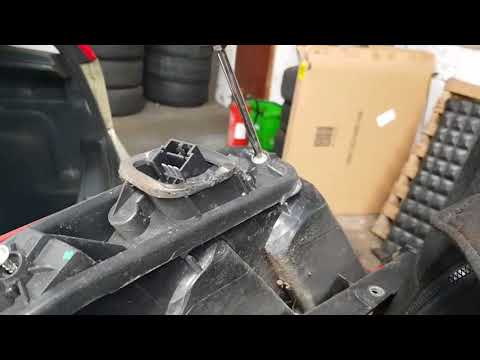
Do you want to replace the rear light bulbs on Fiat Grande Punto? Here's how to proceed with the disassembly: first, open the boot lid and unscrew th…
Other guides you may be interested in |
How to Set the Clock on the Opel Zafira
Setting the clock to the current Italian time on an Opel Zafira model B is a very simple operation, also made easier by our short instructional video. The first step is to turn on the instrument panel and then press the SETTING button located on the central dashboard. Once inside the menu, use the buttons to navigate to the clock setting. Adjust the hours and minutes and restart the instrument panel. If the clock does not update, it may be necessary to diagnose the radio or the vehicle's control unit. by ScegliAuto More videos
|
|
For advertising on this site Write to info@scegliauto.com
ScegliAuto is not responsible for any inaccuracy of the data in the lists. To report any inaccuracy or your business (if you own the business in question), please write to info@scegliauto.com
Number of seconds to generate the page: 0.071
(c) ScegliAuto 2026 - info@scegliauto.com - Privacy policy VAT number: IT01247470535 |
