
|
Do it yourself
| |||
| ||||


How to reset the oil warning light on the GMC Sierra
Model: GMC Sierra
MK 3
- Years 2007-2014
In this new mini guide of ours we will find out how to properly reset the oil change light inside the 2007 Gmc Sierra. The whole procedure is easily performed by anyone and takes a few seconds to complete. First insert the key and turn on the ignition. Then, using the appropriate button located on the left side of the dashboard, scroll through the menu until you see the item relating to the residual life of the oil. At this point, hold down the last button starting from the top (with the "V" sign above) and release it as soon as the residual life of the oil returns to 100%.
Posted on 18 February 2022 by ScegliAuto
Video tutorial
Related tutorials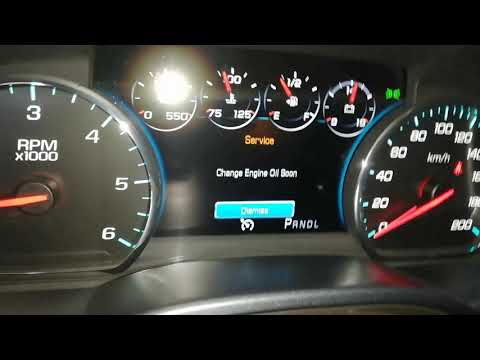
GMC Sierra
(2014-2018 /
MK 4)
In this new mini guide we will explain in a detailed and simple way how to reset the oil change light in your 2017 GMC Sierra. This is a standard pro…
GMC Sierra
(2014-2018 /
MK 4)
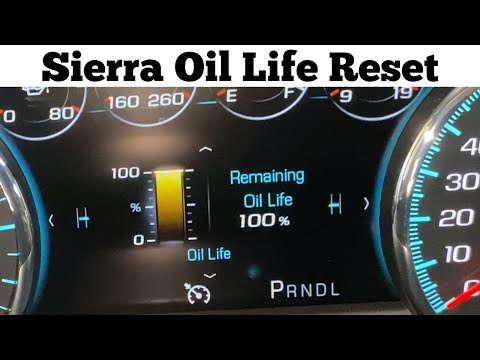
The procedure required for resetting the engine oil warning light in the GMC Sierra is very simple and can be performed by anyone without any problem…
GMC Sierra
(2014-2018 /
MK 4)
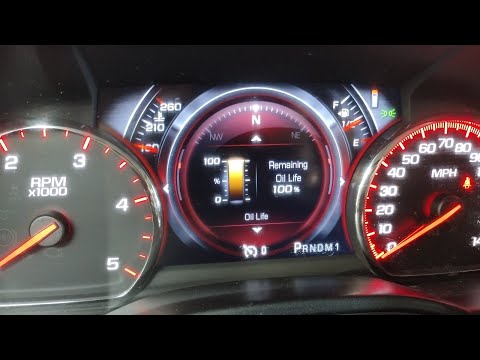
If when you turn on your 2016 GMC Sierra you notice the engine oil light staying on despite having already changed the fluid and filter then all you …
Other guides you may be interested in
|
How to Remove the Fuel Pump from the Tank on an Opel Astra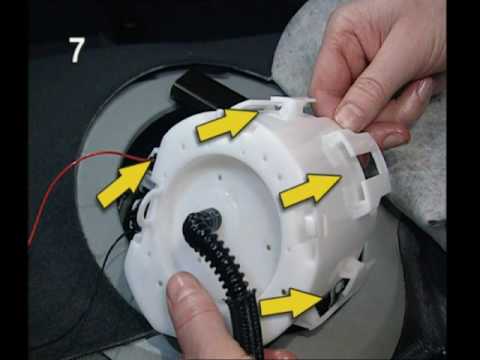
How to remove the fuel pump from the tank on an Opel Astra? First, disconnect the battery cables. Next, remove the rear seat cushions from the car. Use a socket spanner to unscrew the securing screws of the metal cap (located on the metal panel), then remove it from its seat. Use absorbent paper around the perimeter to soak up any liquid leaks. Unscrew the large securing bolt of the fuel pump (if present on the model), disconnect the power connectors and the liquid circulation pipes. Extract the floating fuel pump from its seat along with any attached parts. Finally, refit a new piece. by ScegliAuto More videos
|
|
For advertising on this site Write to info@scegliauto.com
ScegliAuto is not responsible for any inaccuracy of the data in the lists. To report any inaccuracy or your business (if you own the business in question), please write to info@scegliauto.com
Number of seconds to generate the page: 0.107
(c) ScegliAuto 2026 - info@scegliauto.com - Privacy policy VAT number: IT01247470535 |
