
|
Do it yourself
| |||
| ||||


|
Model: Honda Forza 350
In this tutorial, you will learn how to set the time on the Honda Forza 350 scooter, a very simple and quick operation to perform, for example, after disconnecting the battery or when switching to daylight saving time. First, insert the key, then turn on the instrument panel and navigate to the general menu using the directional controls on the left handle. Next, enter "SETTING", "GENERAL", "DATE & TIME", and adjust both the clock and the date as needed. To save the settings, simply return to the main screen.
Posted on 24 March 2026 by ScegliAuto
Video tutorial
Related tutorials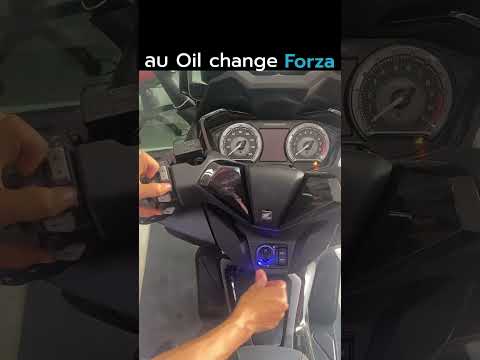
Forza 350
In this tutorial we can see how to reset the service on the Honda Forza 350 scooter, an extremely simple and fast operation, to be carried out only o…

Forza 350
In this tutorial, we will see how to reset the service on a Honda Forza 350 scooter, a very simple and quick operation to perform only after completi…

Forza 350
Today's procedure will show us how to disassemble and replace the fairings of the Honda Forza 350 scooter, in simple steps. First, we put the scooter…
|
How to replace the air filter in the Herald Classic 125?
In this tutorial, you will see how to replace the air filter in the Herald Classic 125, a very simple and quick operation. First, position yourself on the left side of the motorcycle, then grab the panel located under the seat, pull it towards you, and detach it from the frame. Next, unscrew the three fastening screws of the airbox cover, remove it, and take out the old filter from its housing. At this point, remove any dirt residue present, insert the replacement filter, and reassemble everything by following the reverse procedure. by ScegliAuto More videos
|
|
For advertising on this site Write to info@scegliauto.com
ScegliAuto is not responsible for any inaccuracy of the data in the lists. To report any inaccuracy or your business (if you own the business in question), please write to info@scegliauto.com
Number of seconds to generate the page: 0.006
(c) ScegliAuto 2026 - info@scegliauto.com - Privacy policy VAT number: IT01247470535 |
