
|
Do it yourself
| |||
| ||||


How to Set the Clock on the Kymco Agility?
Model: Kymco Agility 125
Video tutorial
To adjust the clock on the Kymco Agility, insert the key into the ignition to turn on the dashboard: once it is on, press and hold the button at the bottom left of the dashboard. You will notice that the hours will start to flash, which can be changed by repeatedly pressing the button to the right of the dashboard: once the hours are set, press the button on the left of the dashboard to adjust the minutes in the same way.
Updated on 8 November 2026 by ScegliAuto
Related tutorials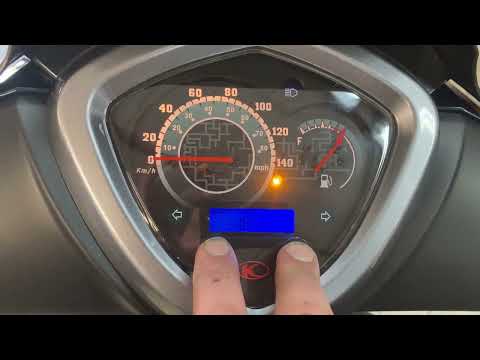
Agility 125
To set the clock on the Kymco Agility 125, press and hold the buttons located at the bottom of the instrument panel after turning the ignition key to…
Agility 125
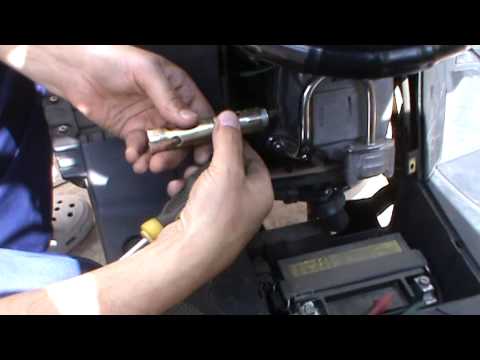
Before you start, position your Kymco Agility 125 on the centre stand. Begin by removing the floor panel fairing by unscrewing the fixing screws. Nex…

Agility 125
In this video tutorial, you will learn how to remove and replace the drive belt on the Kymco Agility 125 scooter, following the instructions below. F…
ScegliAuto offers an extensive international collection of automotive tutorials available in 12 languages. Each guide combines instructional videos with original explanations written by experienced human editors, along with information about the car models covered.
|
How to Reset the ECU of the Honda Forza?
To reset the ECU of the Honda Forza and clear all stored errors, simply disconnect the battery for a few seconds: to perform this operation, open the under-seat compartment and remove the panel located at the front. Behind this panel, you will find the battery, from which you need to disconnect the negative terminal: once this cable is disconnected, wait a few seconds and then reconnect it. This will allow you to verify that the ECU has been reset. by ScegliAuto More videos
|
|
For advertising on this site Write to info@scegliauto.com
ScegliAuto is not responsible for any inaccuracy of the data in the lists. To report any inaccuracy or your business (if you own the business in question), please write to info@scegliauto.com
Number of seconds to generate the page: 0.006
(c) ScegliAuto 2026 - info@scegliauto.com - Privacy policy - About us VAT number: IT01247470535 |
