
|
Do it yourself
| |||
| ||||



How to set the time on the Honda Insight?
Model: Honda Insight
ZE3, ZE2
- Years:
2009, 2010, 2011, 2012, 2013, 2014
Video tutorial
In this tutorial we can see how to adjust the time in the Honda Insight, an extremely simple and quick operation, to be carried out for example after the switch to daylight saving time or after the battery has been disconnected. First of all, let's go inside the car, then insert the key and turn on the instrument panel. Then hold down the "FM/AM" button located on the center console, adjust the hour with the "4" button and adjust the minutes with the "5" button. To save the setting, simply press the "FM/AM" button again.
Posted on 29 April 2025 by ScegliAuto
Related tutorials
Honda Insight
(2009-2014 /
ZE3, ZE2)
In this tutorial we can see how to reset the service in the Honda Insight, an extremely simple and quick operation, to be carried out only once all s…

Honda Insight
(2009-2014 /
ZE3, ZE2)
In order to reset the tire pressure warning light on the Honda Insight, you need to inflate the tires to the recommended pressure value: this value i…

Honda Insight
(2000-2006 /
ZE1)
If any devices in your Honda Insight have suddenly stopped working, you can first check the status of the relevant fuses, the diagrams for which are …
Other guides you may be interested in
|
How to Reset the Tyre Pressure Light on a Cupra Formentor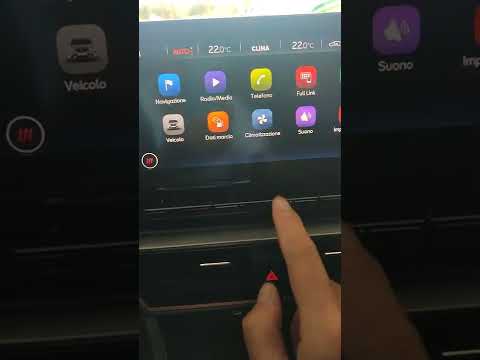
In this brief and simple video tutorial, learn how to reset the tyre pressure on a Cupra Formentor. Start by pressing the ignition button to turn on the instrument cluster. Now, use the touchscreen display on the central console to open the car menu. From here, select the driving data option, then the tyre pressure option. Now, click on the "SET" button with the pressure warning symbol and confirm the correct tyre pressure required by the manufacturer to perform the reset. by ScegliAuto More videos
|
|
For advertising on this site Write to info@scegliauto.com
ScegliAuto is not responsible for any inaccuracy of the data in the lists. To report any inaccuracy or your business (if you own the business in question), please write to info@scegliauto.com
Number of seconds to generate the page: 0.156
(c) ScegliAuto 2026 - info@scegliauto.com - Privacy policy VAT number: IT01247470535 |
