
|
Do it yourself
| |||
| ||||


Oil change reset on a Honda Civic
Model: Honda Civic
MK 10
- Years 2016-2021
In today's video, we will see how to reset the oil change light on a Honda Civic, tenth generation model produced from 2016 to 2021. The operation is very simple and we can do it ourselves. Let's start the reset procedure by turning on the ignition of our car, then open the menu on the information display and select "settings" and "vehicle settings". Scroll through the various options until you reach the "maintenance info" option and select it. Now click on "full service" to reset the oil change and complete the job as shown in the video.
Posted on 17 July 2025 by ScegliAuto
Video tutorial
Related tutorials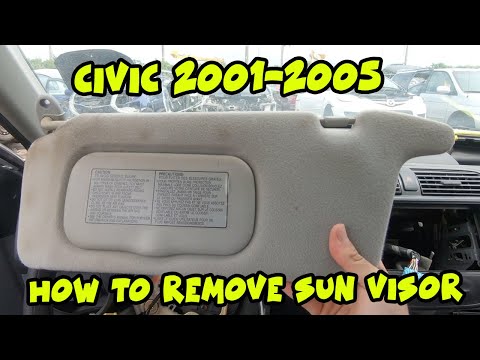
Honda Civic
(2001-2006 /
MK 7)
Before you can start, sit in the driver's seat of your Honda Civic. Start by unclipping and removing the covers of the sun visor support brackets. Th…
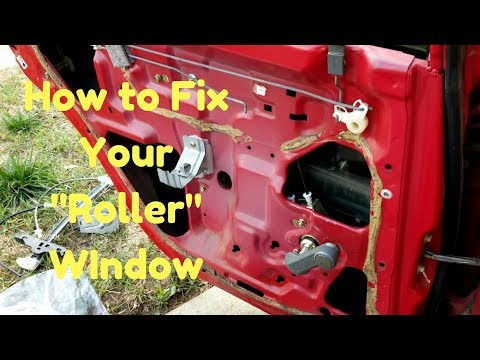
Honda Civic
(1995-2001 /
MK 6)
Before you can start, open the door of your Honda Civic. Begin by inserting a thin but sturdy tool into the gap between the window winder handle and …

Honda Civic
(2016-2021 /
MK 10)
On the Honda Civic, resetting the Tyre Pressure Monitoring System (TPMS) is done with the vehicle stationary, with pressures adjusted to the values i…
Other guides you may be interested in |
How to reset the tyre pressure warning light on a Hyundai Tucson
Below are the instructions to reset the tyre pressure warning light (TPMS) on a Hyundai Tucson. First, get into the vehicle and turn on the instrument cluster; then navigate to the vehicle settings until you reach the tyre pressure monitor, identifying the tyre with incorrect pressure. At this point, restore all tyre pressures according to the specifications indicated on the label; this will reset the TPMS and the warning light will be cleared from the instrument cluster! by ScegliAuto More videos
|
|
For advertising on this site Write to info@scegliauto.com
ScegliAuto is not responsible for any inaccuracy of the data in the lists. To report any inaccuracy or your business (if you own the business in question), please write to info@scegliauto.com
Number of seconds to generate the page: 0.193
(c) ScegliAuto 2026 - info@scegliauto.com - Privacy policy VAT number: IT01247470535 |
