
|
Do it yourself
| |||
| ||||


How to Use the Android System Radio on a Hyundai i20
Model: Hyundai I20
GB, IB, MK 2
- Years 2014-2021
In this video, we will show you how to use some functions of the Android system radio on the Hyundai i20. To start, you can select channels manually or automatically via the RDS support. You can preselect the programmes you want based on genre: news, sports, music, etc. Using the F function, which supports AM and FM bands, you can switch the radio to stereo mode and listen to your favourite channels. Additionally, from the main menu, you can access the GPS navigator, which will display a 3D map to guide you accurately through the fastest routes.
Updated on 15 June 2026 by ScegliAuto
Video tutorial
Related tutorials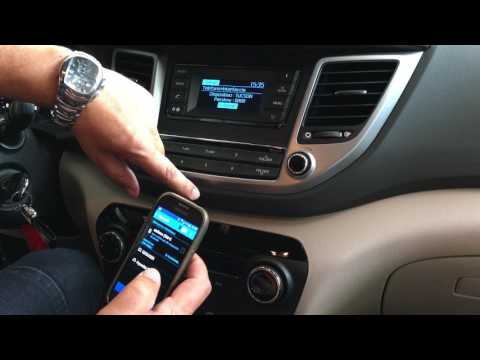
Hyundai I20
(2014-2021 /
GB, IB, MK 2)
In this video, see how to pair your smartphone with the Bluetooth system of the radio in a Hyundai i20. Activate the Bluetooth on your smartphone and…

Hyundai I20
(2014-2021 /
GB, IB, MK 2)
Below we will see step-by-step instructions on how to reset the factory settings of the car radio and multimedia system of the Hyundai I20. First, ge…
Hyundai I20
(2008-2014 /
MK 1, PB)
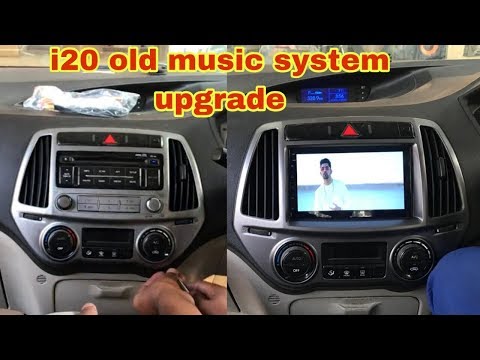
Learn how to replace the car radio in your Hyundai I20. To remove the car radio, you need to take off the trim panels fixed to the centre console, he…
Other guides you may be interested in |
How to set the clock on the Opel Zafira
Setting the clock to the current Italian time on an Opel Zafira model B vehicle is a very simple operation, which can also be done independently thanks to our short instructional video. The first thing to do is to turn on the instrument panel and then press the SETTING button, located on the central dashboard. Once inside the menu, use the buttons to navigate to the clock setting. Change the hours and minutes and restart the instrument panel. If the clock is not updated, a diagnosis may be necessary at the radio or vehicle control unit. by ScegliAuto More videos
|

|
For advertising on this site Write to info@scegliauto.com
ScegliAuto is not responsible for any inaccuracy of the data in the lists. To report any inaccuracy or your business (if you own the business in question), please write to info@scegliauto.com
Number of seconds to generate the page: 0.110
(c) ScegliAuto 2026 - info@scegliauto.com - Privacy policy VAT number: IT01247470535 |
