
|
Do it yourself
| |||
| ||||


How do you set the time on the radio of an Iveco Daily?
Model: IVECO Daily
MK 5
- Years 2014-2026
As much as a car radio can be technologically updated, it is possible, in the aftermarket, to replace it with newly launched and innovative models. For example, the car radio model installed in the Iveco Daily shown in the video is a ten-inch Total touchscreen with Android technology. The clock visible on the screen can be customized in terms of display style and of course adjustable by pressing the Menu button and accessing the various sections, from which we will choose Date and Time and proceed in a very simple and intuitive way to the setting.
Posted on 31 May 2025 by ScegliAuto
Video tutorial
Related tutorials
IVECO Daily
(2006-2020 /
MK 4)
An electronic device has moments when it may seem crazy, that is, it does not respond to commands, just like what could happen to a car radio. What t…

IVECO Daily
(2006-2020 /
MK 4)
The most effective reset mode for any electrical or electronic device is definitely to disconnect the power supply, then the cables or, as in this ca…
IVECO Daily
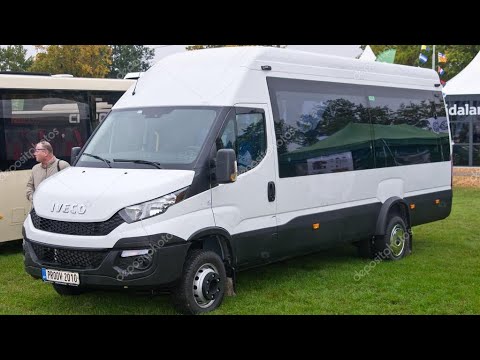
In this short video tutorial, we will see the steps necessary to change the time on the onboard computer of a 2019 Iveco Daily. First, turn on the ve…
Other guides you may be interested in
|
How to Open a Stuck Boot on the Peugeot 407?
On the Peugeot 407, the boot may become stuck, possibly due to a problem with the control button or the lock actuator. In such cases, you can perform an emergency opening by following the simple procedure shown in this tutorial. First, open the rear doors, then lower the seat back by operating the release lever. Next, go inside the boot, locate the lock, and manually operate it using a flathead screwdriver. The boot will then be free to open. by ScegliAuto More videos
|

|
For advertising on this site Write to info@scegliauto.com
ScegliAuto is not responsible for any inaccuracy of the data in the lists. To report any inaccuracy or your business (if you own the business in question), please write to info@scegliauto.com
Number of seconds to generate the page: 0.098
(c) ScegliAuto 2026 - info@scegliauto.com - Privacy policy VAT number: IT01247470535 |
