
|
Do it yourself
| |||
| ||||


How to reset the radio of the Jaguar X Type
Model: Jaguar X-Type
MK 1
- Years:
2001, 2002, 2003, 2004, 2005, 2006, 2007, 2008, 2009
Video tutorial
If after replacing the battery your car radio asks for an authentication code and you do not have it because you have lost the user manual, you can simply connect to the website "radio code online" to obtain the code for free. For a Jaguar X Type produced from 2001 to 2009, to obtain the radio code you need to remove the radio from its housing as the serial code is located on the back of the radio itself. After obtaining the serial code, you need to connect to the website, enter the car model, year of production, and serial code; you will receive the code via email.
Posted on 17 December 2024 by ScegliAuto
Related tutorials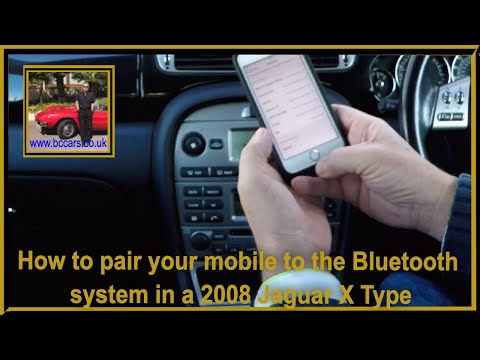
Jaguar X-Type
(2001-2009 /
MK 1)
Before you can begin, sit in the driver's seat of your Jaguar X-Type. Start by activating the car radio, and then enable Bluetooth on your smartphone…

Jaguar X-Type
(2001-2009 /
MK 1)
Today we will explain how to reset the service indicator light on a Jaguar X Type car. To reset the indicator light, we need to turn on the instrumen…
Jaguar X-Type
(2001-2009 /
MK 1)
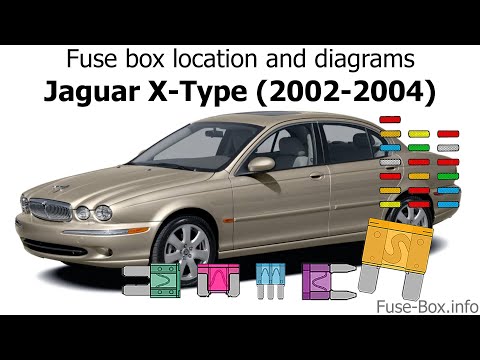
If you own a Jaguar X-Type and want to find out where the fuse box is located, follow these steps: First, ensure the car is parked safely and complet…
Other guides you may be interested in
|
How to Unlock the Gear Shift Lever on a Range Rover Sport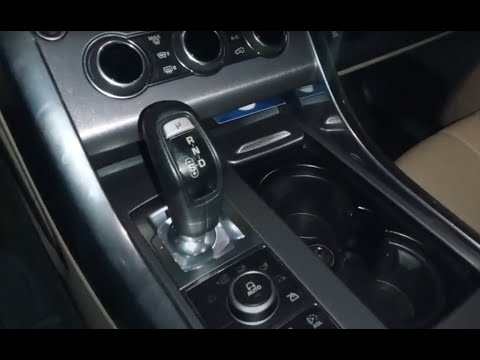
In this video, you will see how to unlock the gear shift on a Land Rover Range Rover Sport with an automatic transmission stuck in "P" mode. First, turn on the ignition and release the parking brake. Then, using a pointed object, lift the plastic covering of the cup holder and remove the six screws that secure the panel hiding the gear shift lever. At this point, you will find a red lever; gently grasp it, lift it, and move it to the "N" position. At this stage of the procedure, you will have unlocked the gear shift and can gradually reassemble the previously removed parts. by ScegliAuto More videos
|
|
For advertising on this site Write to info@scegliauto.com
ScegliAuto is not responsible for any inaccuracy of the data in the lists. To report any inaccuracy or your business (if you own the business in question), please write to info@scegliauto.com
Number of seconds to generate the page: 0.095
(c) ScegliAuto 2026 - info@scegliauto.com - Privacy policy VAT number: IT01247470535 |
