
|
Do it yourself
| |||
| ||||


How to Replace the Battery on the Jaguar X Type?
Model: Jaguar X-Type
MK 1
- Years:
2001, 2002, 2003, 2004, 2005, 2006, 2007, 2008, 2009
This video is currently unavailable
To replace the battery on the Jaguar X Type, go inside the cabin and lift the lever that opens the bonnet, located under the passenger footwell. Once the bonnet is open, locate the battery, which will be next to the engine, covered by a plastic cover. After removing the cover, loosen the bolts securing the battery using a socket spanner or an impact wrench. Once the bolts are removed, disconnect the battery and replace it. The new battery should then be secured and connected.
Updated on 23 April 2026 by ScegliAuto
Related tutorials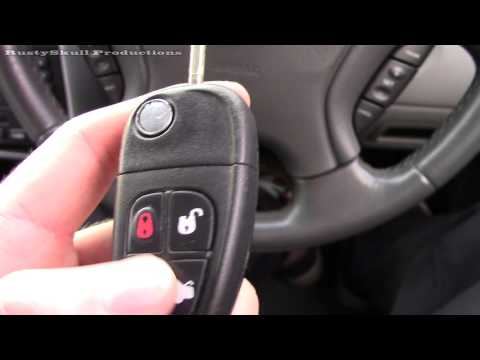
Jaguar X-Type
(2001-2009 /
MK 1)
Today, you will learn how to disassemble and replace the battery in the key fob for a Jaguar X-type, as well as the S-type. First, take your key fob …

Jaguar X-Type
(2001-2009 /
MK 1)
Let's see the steps that will allow us to disassemble and replace the battery of the key remote of the Jaguar X-Type. First of all, we take our remot…
Jaguar X-Type
(2001-2009 /
MK 1)
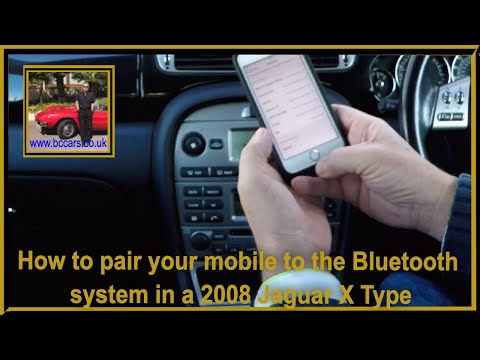
Before you can begin, sit in the driver's seat of your Jaguar X-Type. Start by activating the car radio, and then enable Bluetooth on your smartphone…
Other guides you may be interested in
|
How to Unlock the Gear Shift Lever on a Range Rover Sport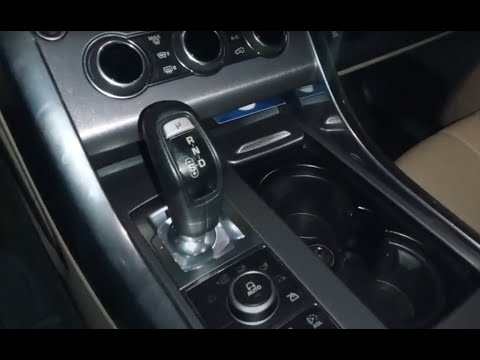
In this video, you will see how to unlock the gear shift on a Land Rover Range Rover Sport with an automatic transmission stuck in "P" mode. First, turn on the ignition and release the parking brake. Then, using a pointed object, lift the plastic covering of the cup holder and remove the six screws that secure the panel hiding the gear shift lever. At this point, you will find a red lever; gently grasp it, lift it, and move it to the "N" position. At this stage of the procedure, you will have unlocked the gear shift and can gradually reassemble the previously removed parts. by ScegliAuto More videos
|
|
For advertising on this site Write to info@scegliauto.com
ScegliAuto is not responsible for any inaccuracy of the data in the lists. To report any inaccuracy or your business (if you own the business in question), please write to info@scegliauto.com
Number of seconds to generate the page: 0.095
(c) ScegliAuto 2026 - info@scegliauto.com - Privacy policy VAT number: IT01247470535 |
