
|
Do it yourself
| |||
| ||||


How to Change the Time on a Keeway Rkf 125
Model: Keeway Rkf 125
This video is currently unavailable
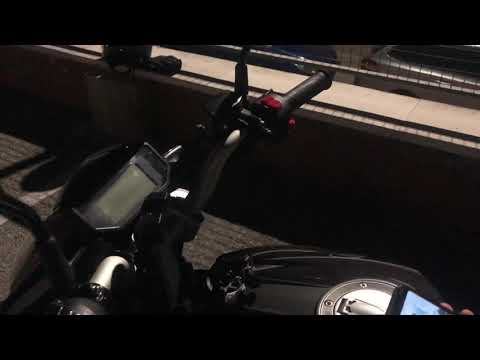
In this video tutorial, you will learn how to adjust the clock on the Keeway Rkf 125 motorcycle by following these simple and quick steps. First, turn on the ignition of your motorcycle and start pressing and holding the button found on the right side of the handlebars until the time starts to flash; then press the button until you reach the correct time, as shown in the video. Finally, exit the menu to ensure the time is saved; then turn off the ignition and start the engine, checking that it has been saved!
Updated on 15 May 2026 by ScegliAuto
Related tutorials
Rkf 125
.. In this short tutorial, you will learn how to change the time on a Keeway RKF 125 motorcycle by following these simple instructions. First,.. …

Rkf 125
To set the clock on the Keeway RKF 125, turn the key in the ignition to power on the instrument panel. Next, press and hold the button located just b…
Rkf 125
In today's video, you will learn how to set the time on the Keeway RKF 125. First, turn on the ignition of your motorcycle. Navigate through the menu…
|
How to reset the service light on the Honda SH
Today, we will explain the steps to reset the service light related to the service or oil light on a Honda SH scooter produced between 2020-2023. To reset the light, turn on the instrument panel and then press the buttons on the left side of the panel simultaneously to access the settings menu. Press and hold the SET button to set the new mileage for the next oil change. Once the reset is complete, turn off and then turn on the instrument panel again to fully complete the reset procedure. by ScegliAuto More videos
|
|
For advertising on this site Write to info@scegliauto.com
ScegliAuto is not responsible for any inaccuracy of the data in the lists. To report any inaccuracy or your business (if you own the business in question), please write to info@scegliauto.com
Number of seconds to generate the page: 1.515
(c) ScegliAuto 2026 - info@scegliauto.com - Privacy policy VAT number: IT01247470535 |
