
|
Do it yourself
| |||
| ||||


How to Use the Kia All-Wheel Drive System
Model: Kia KIA Various
In this video, learn how to use the Kia all-wheel drive system: this system transmits 95% of the power to the front wheels and 5% to the rear wheels under normal driving conditions, preventing any oversteer or understeer situations. Depending on the load on a wheel, or if the wheel is losing traction, you can lock the differential using the button located under the gearbox, which will activate four-wheel drive mode, providing uniform power to each wheel, with a front torque distribution of 50:50 up to speeds of 30 mph. If you exceed this speed, it automatically removes any torque distribution, transferring it to the rear wheels. Just let the all-wheel drive system do its job and focus solely on driving.
Updated on 11 August 2026 by ScegliAuto
Video tutorial
Related tutorials
Kia KIA Various
Today we will go through the main steps to remove and replace the front headlamp on the Kia Rio, following the instructions below. First, open the bo…

Kia KIA Various
Below are the steps to reset the service light for the regular maintenance of the engine oil change on the Kia K5. First, get into the vehicle and st…
Kia KIA Various
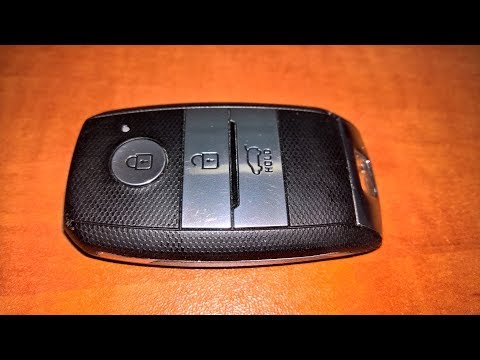
This video explains how to remove and replace the battery of the key remote in a Kia, a very simple and quick operation. First, press the button loca…
Other guides you may be interested in
|
Where is the Spare Wheel in the Peugeot 5008?
This video shows where the spare wheel is located in the Peugeot 5008 and how to access it, useful in case of a puncture. As shown, the wheel is not in the usual boot compartment but underneath it, outside the vehicle. To free the wheel, first gather the tools provided, then open the boot, locate the small indicated hatch, and open it. Next, loosen the bolt just released using the large socket wrench enough to lower the wheel to the ground. by ScegliAuto More videos
|
|
For advertising on this site Write to info@scegliauto.com
ScegliAuto is not responsible for any inaccuracy of the data in the lists. To report any inaccuracy or your business (if you own the business in question), please write to info@scegliauto.com
Number of seconds to generate the page: 0.103
(c) ScegliAuto 2026 - info@scegliauto.com - Privacy policy VAT number: IT01247470535 |
