
|
Do it yourself
| |||
| ||||


How to Reset the Service and Oil Change Reminder in a 2022 Kia Carnival
Model: Kia Carnival
MK 4, KA4
- Years 2021-2026
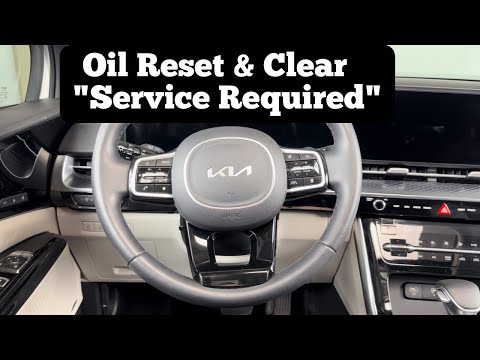
In this tutorial video, you will see how to reset the service reminder and restore the oil duration after an oil change in a 2022 Kia Carnival, following a few simple steps: before performing the reset, you must carry out maintenance on the vehicle, such as changing the engine oil and filters. After completing the DIY service on the vehicle, get inside the car and start the engine; use the central touchscreen, click on the Home button, and a screen will open. Scroll and click on "Settings", then click on "Vehicle", click on "Cluster", and click on "Service interval". Here you can adjust the distance or duration, and finally click on RESET. Now the display will show a message: "Reset time and distance? Select YES and press OK. Reset completed.
Updated on 24 August 2026 by ScegliAuto
Video tutorial
Related tutorials
Kia Carnival
(2021-2026 /
MK 4, KA4)
To easily and quickly reset the warning light for the oil change of your new Kia Carnival, you just need to follow the steps described in the followi…

Kia Carnival
(2014-2021 /
MK 3, YP)
Today, let's discover the instructions that will allow us to reset the service light for the regular maintenance of the engine oil change on the Kia …
Kia Carnival
(2021-2026 /
MK 4, KA4)
In this tutorial, you will see how to reset the service light on a KIA Carnival, an extremely simple and quick operation, to be performed only after …
Other guides you may be interested in
|
How to Set the Time on the New Vespa 2023
In this new mini guide dedicated to your new Vespa 2023, discover how to manually change the time displayed on the central dashboard. First, position your Vespa on the stand. Then, insert the key and start the instrument panel. At this point, locate the "Mode" button on the right knob and hold it down for a few seconds. Release it as soon as the time on the dashboard starts to flash and press it multiple times to change both the hour and minute digits. When finished, turn off the panel and you are done. by ScegliAuto More videos
|
|
For advertising on this site Write to info@scegliauto.com
ScegliAuto is not responsible for any inaccuracy of the data in the lists. To report any inaccuracy or your business (if you own the business in question), please write to info@scegliauto.com
Number of seconds to generate the page: 0.288
(c) ScegliAuto 2026 - info@scegliauto.com - Privacy policy VAT number: IT01247470535 |
