
|
Do it yourself
| |||
| ||||


|
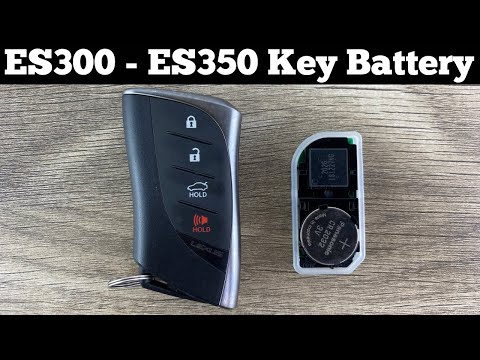
If you want to replace the button battery in your Lexus ES350 key by yourself, just follow the instructions in the following mini guide dedicated to you. First, take your key and press the button on the side of the cover. At the same time, slide the emergency key down. Once you have done this, use the same emergency key to open the cover. At this point, remove the electronic component, locate the battery on the back, and remove it as well. Finally, replace it with the new battery and reassemble everything.
Posted on 30 June 2023 by ScegliAuto
Video tutorial
Related tutorials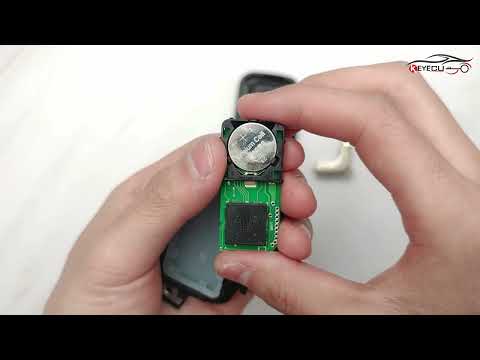
Lexus ES
(2019-2025 /
Xz10)
In the following guide dedicated to your Lexus Es350 8year 2019-2023) we will find out how to replace the battery located inside the smart key. First…

Lexus ES
(2019-2025 /
Xz10)
To change the battery of your Lexus ES350 remote control, you must follow a procedure that is practically identical to that used for remote control m…
Lexus ES
(2019-2025 /
Xz10)
Replacing the battery in your car's smart key is undoubtedly one of the simplest maintenance operations to carry out even in total autonomy. And this…
Other guides you may be interested in
|
How to Replace the Grille on BMW 3 Series
In this video, learn how to replace the grille located on the front bumper of a BMW 3 Series. Prepare to remove the plastic grille frame on both sides of the bumper using a plastic trim tool. Pry between the frame and the bumper until the clips on the inside release (remove the screws from the top of the bumper for better access). Once the clips are released, remove the grille from the bumper and install a new one. Reinstall the grille into the car's bumper by pressing it until it locks in place. Check the proper installation of the parts. by ScegliAuto More videos
|
|
For advertising on this site Write to info@scegliauto.com
ScegliAuto is not responsible for any inaccuracy of the data in the lists. To report any inaccuracy or your business (if you own the business in question), please write to info@scegliauto.com
Number of seconds to generate the page: 0.122
(c) ScegliAuto 2026 - info@scegliauto.com - Privacy policy VAT number: IT01247470535 |
