
|
Do it yourself
| |||
| ||||


Video tutorial
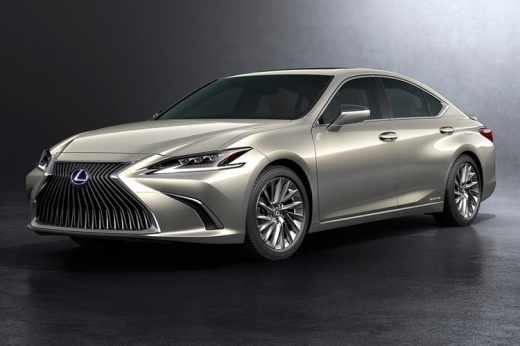
In this guide dedicated to your Lexus ES350 (2019-2023), discover how to replace the battery located inside the smart key. First, pull out the emergency key by pulling it towards you. Next, use a small flat screwdriver (or any other thin object) to remove the rear cover, applying gentle force to avoid damage. Now, locate the button cell battery underneath and remove it as well. Finally, insert the new battery and reassemble everything.
Updated on 15 July 2026 by ScegliAuto
Related tutorials
Lexus ES
(2019-2025 /
Xz10)
If you want to replace the button battery in your Lexus ES350 key yourself, follow the instructions in this mini guide. First, take your key and pres…

Lexus ES
(2019-2025 /
Xz10)
To change the battery of your Lexus ES350 remote control, you must follow a procedure that is practically identical to that used for remote control m…

Lexus ES
(2006-2012 /
, Xv40)
In this video, you can see where the fuse boxes are located in the Lexus ES350 and their respective diagrams, useful if you need to check the fuses o…
Other guides you may be interested in
|
How to Reset the Tyre Pressure Warning Light on a Kia Rio?
The tyre pressure warning light displayed on the instrument cluster of the Kia Rio can be reset by inflating the tyres until they reach the recommended pressure value: this value is indicated on the sticker affixed to the driver's door pillar. Once all tyres have been inflated to the recommended pressure, turn on the ignition to check that the light has disappeared: if it is still present, it may be necessary to drive for a few miles, allowing the sensors to work and thus turning off the light. by ScegliAuto More videos
|
|
For advertising on this site Write to info@scegliauto.com
ScegliAuto is not responsible for any inaccuracy of the data in the lists. To report any inaccuracy or your business (if you own the business in question), please write to info@scegliauto.com
Number of seconds to generate the page: 0.135
(c) ScegliAuto 2026 - info@scegliauto.com - Privacy policy VAT number: IT01247470535 |
