
|
Do it yourself
| |||
| ||||


|
The steps to replace the remote battery of a Lexus ES, produced from 2007 to 2012, are simple and quick to perform independently. Start the replacement by pressing the top of the remote to remove the emergency key. Insert the key into the end of the remote to open it and remove the damaged battery. Insert the new battery and close the remote. Reinsert the metal key and test the remote's operation. If it does not work, you will need to reprogram the remote.
Posted on 12 March 2026 by ScegliAuto
Video tutorial
Related tutorials
Lexus ES
(2019-2025 /
Xz10)
To change the battery of your Lexus ES350 remote control, you must follow a procedure that is practically identical to that used for remote control m…
Lexus ES
(2006-2012 /
Xv40, )
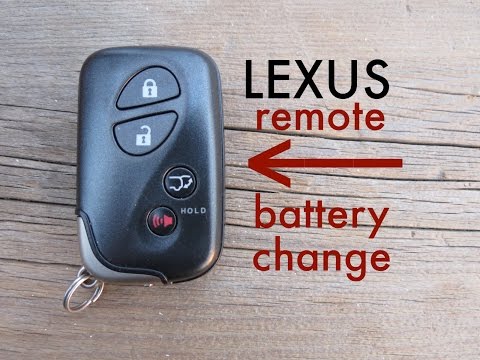
How to replace the battery in the remote key fob of a Lexus ES? Follow this guide. Take your remote key fob, pull out the metal key from inside; use …
Lexus ES
(2019-2025 /
Xz10)
If the smart key of your 2019 Lexus ES has suddenly stopped working, don't worry as we will explain how to replace the battery contained within. Firs…
Other guides you may be interested in
|
How to Bleed the Clutch on a Renault Clio?
To bleed the clutch on a Renault Clio, open the bonnet to access the components located in the engine bay: here, you will need to undo the screws that secure the battery in its housing, the intake manifold, and the coolant reservoir. This will allow you to locate the pipe through which the brake fluid flows: by inserting the other end of the pipe into a container, you can press the clutch pedal to expel all the fluid until it fills the container. by ScegliAuto More videos
|
|
For advertising on this site Write to info@scegliauto.com
ScegliAuto is not responsible for any inaccuracy of the data in the lists. To report any inaccuracy or your business (if you own the business in question), please write to info@scegliauto.com
Number of seconds to generate the page: 0.282
(c) ScegliAuto 2026 - info@scegliauto.com - Privacy policy VAT number: IT01247470535 |
