
|
Do it yourself
| |||
| ||||


How to Install a Center Armrest on the Mahindra Bolero
Model: Mahindra Bolero
MK 1
- Years 2000-2022
To customize your vehicle by installing an armrest on the center console, check the steps to follow by watching the tutorial video and following these instructions. After purchasing an aftermarket kit, position it over the center tunnel of the vehicle, inserting the handbrake lever into its designated slot along with the gear shift knob and the cigarette lighter socket. Then, secure the clips to the floor. Next, take the armrest and position it over the center console. Using the pre-existing holes, adjust it to your desired height or depth, then secure the screw in the chosen position, and the job will be complete.
Updated on 3 July 2026 by ScegliAuto
Video tutorial
Related tutorials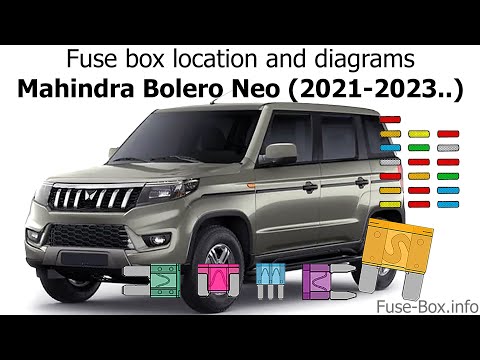
Mahindra Bolero
(2021-2026 /
MK 2)
If you have the new Mahindra Bolero second series (2021-2023) and want to find out where the fuse box is located, just carefully read the following g…

Mahindra Bolero
(2000-2022 /
MK 1)
To replace the button battery in your Mahindra Bolero Mk1 key, follow these steps. The entire process takes just a few seconds, so you won't have any…

Mahindra Bolero
(2000-2022 /
MK 1)
In this new guide dedicated to all of you who own a Mahindra Bolero, we will discover what you need to do to easily locate the box containing all the…
Other guides you may be interested in
|
How to Replace the Battery on a Honda Vision 110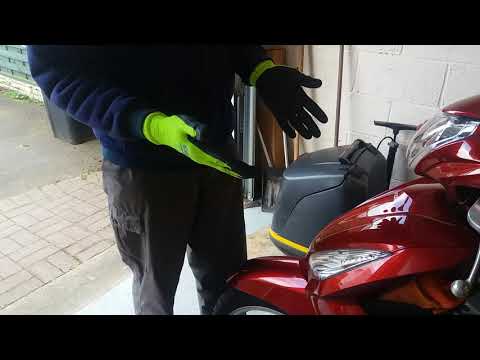
To replace the battery on a Honda Vision 110, you need to remove the front fairing of the motorcycle, located directly under the front headlamp. To loosen this panel, unscrew the two screws found at its top, just below the handlebar. Once these screws are loosened, lever under the panel to detach it, gaining access to the battery underneath: this battery must be removed from its housing by unscrewing the fixing screws and disconnecting the power cables, replacing it with a new one. by ScegliAuto More videos
|
|
For advertising on this site Write to info@scegliauto.com
ScegliAuto is not responsible for any inaccuracy of the data in the lists. To report any inaccuracy or your business (if you own the business in question), please write to info@scegliauto.com
Number of seconds to generate the page: 0.060
(c) ScegliAuto 2026 - info@scegliauto.com - Privacy policy VAT number: IT01247470535 |
