
|
Do it yourself
| |||
| ||||


How to connect your Maxus G10 SE to the app?
Model: Maxus G10
MK 1
- Years 2014-2024
If you have connection problems with the on-board computer of your Maxus G10 SE, don't despair. Carefully follow the instructions you find in this video. To begin, turn on the on-board computer and locate the wording that appears on the display. Then download the application needed to diagnose the vehicle. Then via bluetooth, try to synchronize your device (smartphone, tablet or PC) with the system of your car. Once the two devices have been synchronized, search for the model of your car and follow the various steps until you find the function that allows you to reset the system.
Posted on 21 January 2023 by ScegliAuto
Video tutorial
Related tutorials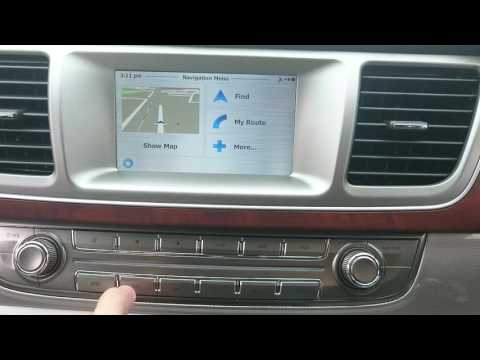
Maxus G10
(2014-2024 /
MK 1)
Let's see in this short and simple guide how to use the satellite navigator of the Maxus G10, but also of the LDV G10. First of all, let's get on boa…

Maxus G10
(2014-2024 /
MK 1)
In this tutorial we can see how to replace the diesel filter in the Maxus G10 van, an extremely simple and fast operation. First of all, make sure th…
Maxus G10
(2014-2024 /
MK 1)
Let's see in this guide how to change the date and time of the Maxus G10, following these simple and quick steps. First of all we get in the car and …
Other guides you may be interested in
|
How to Remove the Front Headlamp on a Renault Megane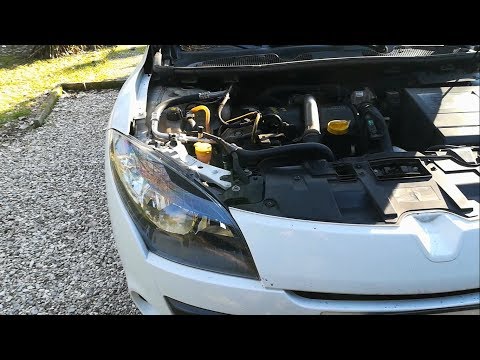
Let's see how to remove the front headlamp on a Renault Megane. Open the bonnet by pulling the lever located at the bottom right of the dashboard and secure it. Unscrew the headlamp securing bolts with a screwdriver, along with the associated clips, and extract the headlamp from its housing. Once the headlamp is removed (located at the rear of the headlamp), take it out, and you will find the bulbs with metal clips. Pull out the bulb holder from the headlamp and extract the damaged bulb using a screwdriver. Install the new bulb (always ensure it is the correct type and size) and insert the bulb holder back into the headlamp housing. by ScegliAuto More videos
|

|
For advertising on this site Write to info@scegliauto.com
ScegliAuto is not responsible for any inaccuracy of the data in the lists. To report any inaccuracy or your business (if you own the business in question), please write to info@scegliauto.com
Number of seconds to generate the page: 0.045
(c) ScegliAuto 2026 - info@scegliauto.com - Privacy policy VAT number: IT01247470535 |
