
|
Do it yourself
| |||
| ||||


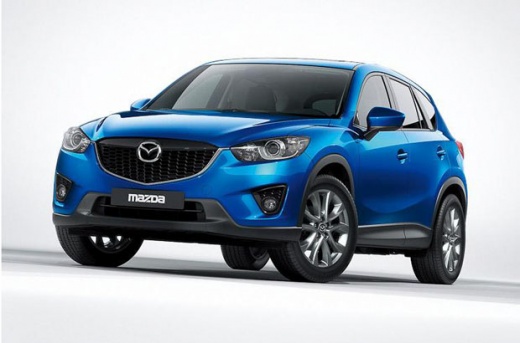
How to Remove the Rear Logos from the Mazda CX-5
Model: Mazda CX-5
MK 1, KE
- Years:
2012, 2013, 2014, 2015, 2016, 2017
Video tutorial
In today's video, you will see how to remove the rear logos located on the tailgate of the Mazda CX-5. First, get a hairdryer to heat the adhesive of the stickers. Start pulling off the stickers while continuing to blow warm air. Once the letters are detached, proceed to remove the remaining sticky residue. Scrape it off with your hand. Now proceed with the remaining letters. Once these are removed, use a suitable solvent to gently clean the remaining residue and then thoroughly clean the area. Operation complete. Enjoy your work.
Updated on 13 May 2026 by ScegliAuto
Related tutorials
Mazda CX-5
(2012-2017 /
MK 1, KE)
This tutorial explains how to replace the rear lights on a Mazda CX-5, useful if one of them is damaged or if you want to upgrade. First, remove the …

Mazda CX-5
(2017-2024 /
MK 2)
In this video, we see how to put the rear brakes of a Mazda CX-5 with an electric brake in service mode, in order to perform maintenance. We turn on …
Mazda CX-5
(2012-2017 /
MK 1, KE)
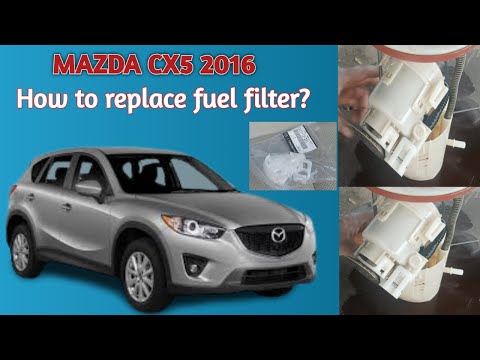
To replace the fuel filter on a Mazda CX-5, you need to unscrew the bolts securing the rear seats so they can be completely removed, providing access…
Other guides you may be interested in |
How to Activate Cruise Control on the Peugeot 3008
Today's steps will show you how to activate cruise control on the Peugeot 3008, following the instructions below. First, get into the vehicle and start the engine. To activate cruise control, you must reach a minimum speed. Then, activate cruise control using the central button on the left stalk, adjusting the speed with the buttons; use the dial to set the speed limit. Pressing the brake pedal will automatically disable the cruise control system. by ScegliAuto More videos
|
|
For advertising on this site Write to info@scegliauto.com
ScegliAuto is not responsible for any inaccuracy of the data in the lists. To report any inaccuracy or your business (if you own the business in question), please write to info@scegliauto.com
Number of seconds to generate the page: 0.080
(c) ScegliAuto 2026 - info@scegliauto.com - Privacy policy VAT number: IT01247470535 |
