
|
Do it yourself
| |||
| ||||


How to Reset the Maintenance Light on the Mazda 3
Model: Mazda 3
BK, MK 1
- Years 2003-2009
Video tutorial
Detailed instructions - In this guide for all Mazda 3 owners, discover how to correctly reset the maintenance light. Starting with the car completely off, locate and hold down the "Trip" button positioned at the top between the speedometer and the fuel gauge. At the same time, insert the key and turn on the instrument panel. At this point, the maintenance light will start to blink. As soon as it turns off, release the button and switch off the panel to complete the reset procedure. If there are any errors, you can repeat all the steps without issues.
Updated on 26 May 2026 by ScegliAuto
Related tutorials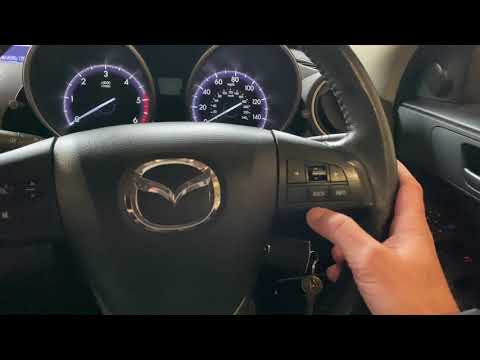
Mazda 3
(2009-2013 /
MK 2, BL)
In this brief and simple guide, learn the procedure to reset the service light for the routine oil change on the second series Mazda 3. First, get in…

Mazda 3
(2013-2019 /
MK 3, BN, BM)
Resetting the service on a Mazda 3, as shown in this tutorial, is an extremely simple and quick operation. Before proceeding, ensure that all schedul…
Mazda 3
(2013-2019 /
MK 3, BN, BM)
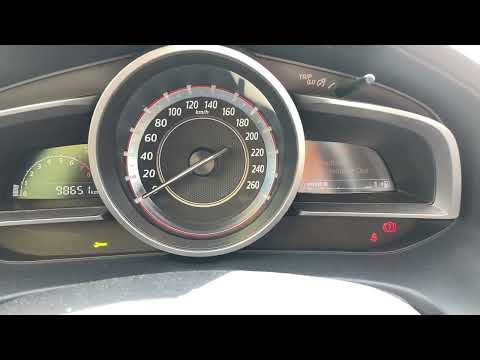
In this mini guide, you will learn how to manually reset the service light on your 2016 Mazda 3. This procedure does not require the use of professio…
Other guides you may be interested in
|
Resetting the Tyre Pressure Warning Light on the Hyundai I20
The following instructions will show you how to reset the tyre pressure warning light on the Hyundai I20; before performing the reset, ensure that all four tyres are at the correct operating pressure. Then, get in the vehicle and turn on the ignition; press and hold the TPMS button located on the controls to the left of the steering wheel, as well as on the dashboard, as shown in the video. If the tyre pressures are correct, the warning light will automatically reset on the instrument panel; finally, turn off the ignition and start the engine! by ScegliAuto More videos
|
|
For advertising on this site Write to info@scegliauto.com
ScegliAuto is not responsible for any inaccuracy of the data in the lists. To report any inaccuracy or your business (if you own the business in question), please write to info@scegliauto.com
Number of seconds to generate the page: 0.110
(c) ScegliAuto 2026 - info@scegliauto.com - Privacy policy VAT number: IT01247470535 |
