
|
Do it yourself
| |||
| ||||


How to turn off the display of the Mazda 6
Model: Mazda 6
MK 3, GJ
- Years 2012-2024
To turn off the display in the Mazda 6, you can follow these steps: Make sure the car is turned on and the infotainment system is active. Look for the power on/off button for the display. It is usually located on the central panel or near the display itself. It may be marked with a power or display icon. Press the power on/off button for the display to turn off the display. In some Mazda 6 models, you may need to hold down the button for a few seconds to completely turn off the display. Once you press the button, the display will turn off, reducing or eliminating the display of information.
Posted on 2 March 2024 by ScegliAuto
Video tutorial
Related tutorials
Mazda 6
(2012-2024 /
MK 3, GJ)
To turn off the tire pressure warning light on the Mazda 6, you need to inflate the tires to the recommended pressure value: this value will be indic…
Mazda 6
(2012-2024 /
MK 3, GJ)
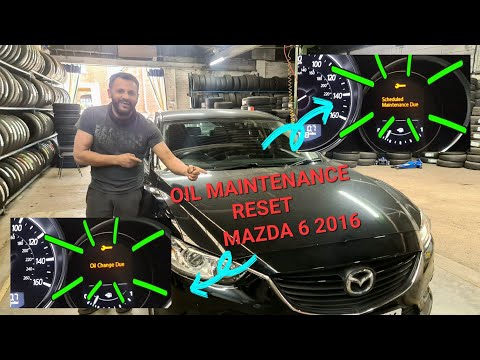
In this video, we are shown how to reset the scheduled maintenance of a third generation Mazda 6. First, we turn on the vehicle's instrument panel wi…

Mazda 6
(2012-2024 /
MK 3, GJ)
In order to reset the Service light of the Mazda 6, you need to insert the ignition key into the appropriate slot, then press the button that turns o…
Other guides you may be interested in
|
How to Remove and Install the External Wing Mirror on a Volkswagen Tiguan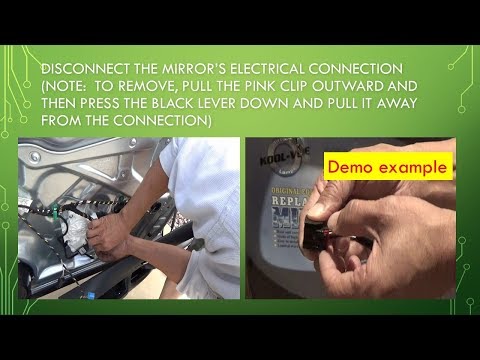
Here’s how to remove and install the external wing mirror on a Volkswagen Tiguan (passenger side). After removing the door panel: disconnect the battery terminals, unscrew the fastening pins of the mirror using the appropriate socket. Once the fastening pins are removed: take out the mirror with the electric adjustment wires from the car door. To reassemble: refit the mirror with the pins, the electric adjustment wires, and the plastic panel of the door. Finally, test the correct operation of the mirror. by ScegliAuto More videos
|
|
For advertising on this site Write to info@scegliauto.com
ScegliAuto is not responsible for any inaccuracy of the data in the lists. To report any inaccuracy or your business (if you own the business in question), please write to info@scegliauto.com
Number of seconds to generate the page: 0.044
(c) ScegliAuto 2026 - info@scegliauto.com - Privacy policy VAT number: IT01247470535 |
