
|
Do it yourself
| |||
| ||||


How to reset the service in the Mazda 2?
Model: Mazda 2
DJ, MK 3
- Years 2014-2023
In this tutorial we can see how to reset the service in the Mazda 2, an extremely simple and quick operation, to be carried out only once all scheduled maintenance works have been completed. First of all, let's go inside the vehicle, then turn on the instrument panel and, using the large knob on the central console, reach the general menu. We then enter the "Applications" section, select "Vehicle Status Monitor", "Maintenance", and reset the service in question. To complete the operation, simply restart the vehicle.
Posted on 3 June 2024 by ScegliAuto
Video tutorial
Related tutorials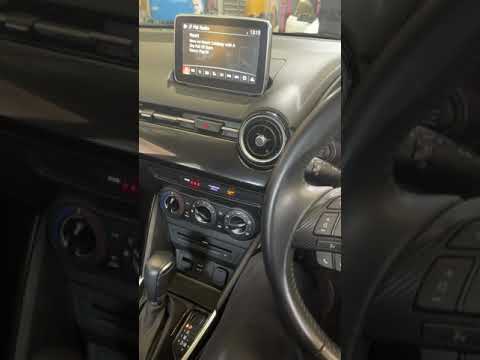
Mazda 2
(2014-2023 /
DJ, MK 3)
In this tutorial, we can see how to reset the oil service in the Mazda 2, an extremely simple and quick operation, to be performed only after complet…

Mazda 2
(2022-2026 /
Xp210)
Resetting the service in the Mazda 2, as we can see in this tutorial, is an extremely simple and quick operation. Before proceeding, we must have com…

Mazda 2
(2014-2023 /
DJ, MK 3)
.. In this tutorial, we can see how to reset the service in the Mazda 2, an extremely simple and quick operation, to be carried out only.. …
Other guides you may be interested in |
How to Remove the Headlight Bulbs on a Toyota Rav4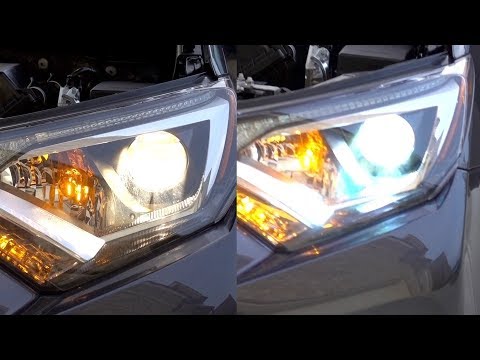
Let's see how to remove the headlight bulbs on a Toyota Rav4. Open the bonnet by pulling the lever located at the bottom right of the dashboard and secure it. Locate the inspection cap (if present) on the headlight and remove it (located at the rear of the headlight). At this point, you will find the bulbs with metal clips; pull the bulb holders out of the headlight and extract the damaged bulb using a screwdriver and pliers. Fit the new bulb (ensuring it is the correct type and size), insert the bulb holder back into the headlight housing, and close the headlight with the inspection cap. Test the lights to ensure they are functioning correctly. by ScegliAuto More videos
|
|
For advertising on this site Write to info@scegliauto.com
ScegliAuto is not responsible for any inaccuracy of the data in the lists. To report any inaccuracy or your business (if you own the business in question), please write to info@scegliauto.com
Number of seconds to generate the page: 0.043
(c) ScegliAuto 2026 - info@scegliauto.com - Privacy policy VAT number: IT01247470535 |
