
|
Do it yourself
| |||
| ||||


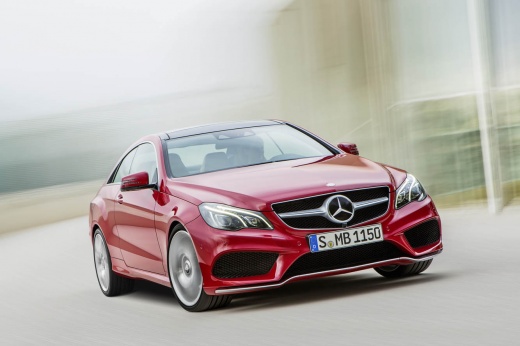
How to Replace the High Beam Bulb on a Mercedes E-Class W212
Model: Mercedes Classe E
W212
- Years:
2009, 2010, 2011, 2012, 2013, 2014, 2015, 2016
Video tutorial
If one of the high beams on your Mercedes E-Class W212 has suddenly stopped working and you want to learn how to replace it quickly and safely, just follow the steps outlined in this guide. First, lift the hood to access the engine compartment. Next, remove the rubber protective cap located at the rear of the headlight by turning it counterclockwise. Finally, take out the bulb holder and replace the faulty high beam bulb with a new one.
Updated on 22 October 2026 by ScegliAuto
Related tutorials
Mercedes Classe E
(2009-2016 /
W212)
Turn off the ignition key, engage the parking brake, and open the hood (use the support rod). To replace the turn signal bulb, simply unscrew it from…

Mercedes Classe E
(2009-2016 /
W212)
.. new guide for all of you who own a Mercedes E-Class W212, discover where the fuse box is located in your vehicle. Before proceeding, remember that.. …

Mercedes Classe E
(2009-2016 /
W212)
.. locate the fuse box inside your Mercedes E-Class W212. First, you need to reach the rear area of the car, then fully lift the hood and shift your.. …
Other guides you may be interested in
|
How to Reset the Tyre Pressure Warning Light on the Opel Mokka?
To reset the tyre pressure warning light on the Opel Mokka, turn on the ignition by inserting the key into the ignition switch. Once the ignition is on, navigate through the menu that appears on the dashboard by pressing the MENU button on the lever to the left of the steering wheel. When the tyre pressure option appears, press and hold the SET/CLR button located on the same lever. This will reset the warning light, and you can then turn off the ignition. by ScegliAuto More videos
|
|
For advertising on this site Write to info@scegliauto.com
ScegliAuto is not responsible for any inaccuracy of the data in the lists. To report any inaccuracy or your business (if you own the business in question), please write to info@scegliauto.com
Number of seconds to generate the page: 0.096
(c) ScegliAuto 2026 - info@scegliauto.com - Privacy policy VAT number: IT01247470535 |
