
|
Do it yourself
| |||
| ||||


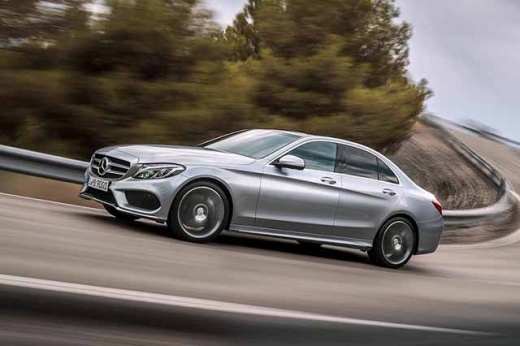
How to Lower the Rear Seat Backs of the Mercedes C-Class
Model: Mercedes Classe C
W205
- Years:
2014, 2015, 2016, 2017, 2018, 2019, 2020, 2021
Video tutorial
Follow these steps to lower the rear seat backs of the Mercedes C-Class. First, unlock the door latches and open the trunk. On both sides, there is a release button for the seat backs that will allow you to lower them instantly, as shown in the video. To raise the seat backs again, you must do it manually until they latch securely; reclining the seat backs will significantly increase the cargo space!
Updated on 12 July 2026 by ScegliAuto
Related tutorials
Mercedes Classe C
(2014-2021 /
W205)
.. to lower the rear seatbacks of the Mercedes C-Class. First, open the trunk of the vehicle and pull the two plastic levers to fully lower the rear seatbacks;.. …

Mercedes Classe C
(2007-2013 /
W204)
.. the rear seats is performed on a Mercedes C-Class W204, but it is very similar to the Mercedes C-Class W203, so the available video can be used as.. …

Mercedes Classe C
(2014-2021 /
W205)
.. bench seat and the backrests from the Mercedes C-Class. First, open the rear doors and start pulling the bench seat upward to detach and remove it; to.. …
Other guides you may be interested in |
What does error code 59 indicate on the Opel Meriva B?
Error code 59 appears on the display of the 2012 Opel Meriva B when it is necessary to open and close the driver's side window. To remove the code, simply open and close the window. This code is always followed by error code 60, which indicates the need to open and close the passenger side window. These error codes typically appear after maintenance has been performed on the battery. If the error message continues to display despite reprogramming the windows, visit a workshop as a computer diagnosis may be necessary. by ScegliAuto More videos
|
|
For advertising on this site Write to info@scegliauto.com
ScegliAuto is not responsible for any inaccuracy of the data in the lists. To report any inaccuracy or your business (if you own the business in question), please write to info@scegliauto.com
Number of seconds to generate the page: 0.024
(c) ScegliAuto 2026 - info@scegliauto.com - Privacy policy VAT number: IT01247470535 |
