
|
Do it yourself
| |||
| ||||


MG Gloster - Onboard computerOnboard Computer MG Gloster (2017-2024 / mk 1)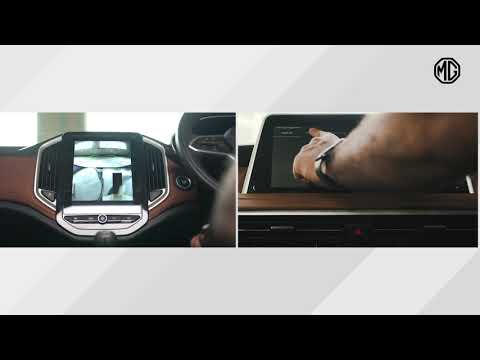 MG Gloster (2017-2024 / MK 1) How to Restart the Infotainment System in the MG Gloster If the infotainment system in your MG Gloster shows software errors, you can easily resolve them with a simple forced reset procedure. First, turn on the …Read all… Posted on 15 August 2026 by ScegliAuto Body (1) Onboard computer (1) Checks and maintenance (3) Instrument cluster (1) Wheel (2) Service warning light (1) |
How to Reset the Radio on an Iveco Daily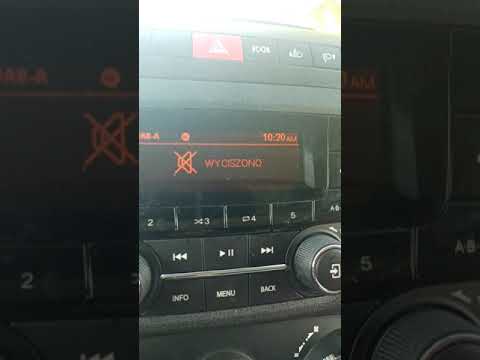
Resetting the radio on an Iveco Daily is very simple. This operation, which can be completed in seconds, should be performed when the radio experiences any software-related malfunction. First, turn on the vehicle's ignition, and if the radio does not turn on, also turn it on. Then, press the CD-EJECT button for about 10 seconds; you will notice that the radio will begin an automatic reset process. After the necessary time has passed, the radio will be reset. Turn everything off and then turn it back on for further confirmation. by ScegliAuto More videos
|
|
For advertising on this site Write to info@scegliauto.com
ScegliAuto is not responsible for any inaccuracy of the data in the lists. To report any inaccuracy or your business (if you own the business in question), please write to info@scegliauto.com
Number of seconds to generate the page: 0.004
(c) ScegliAuto 2026 - info@scegliauto.com - Privacy policy - About us VAT number: IT01247470535 |
