
|
Do it yourself
| |||
| ||||


How to restart the MG Gloster infotainment system
Model: MG Gloster
MK 1
- Years 2017-2024
If your MG Gloster's infotainment system has software errors, you can easily resolve them through a simple forced reset procedure. First you need to switch on the instrument panel and start the on-board computer's central display. Scroll through the menu and click the settings icon. At this point, press and hold the power button on the infotainment system for about ten seconds. Wait for the display to restart automatically and finally release the button. The on-board computer is now successfully reset and you will no longer have any problems.
Posted on 25 August 2022 by ScegliAuto
Video tutorial
Related tutorials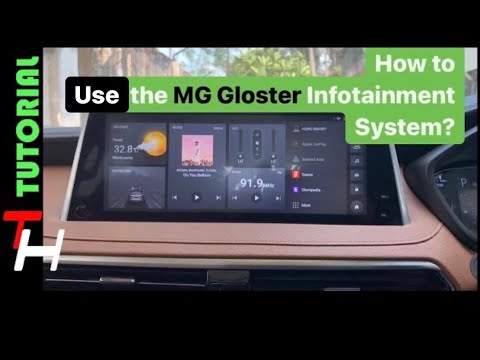
MG Gloster
(2017-2024 /
MK 1)
In order to use the Infotainment system of the MG Gloster, you have to insert the ignition key in the lock, turning it to turn on the instrument pane…
MG Gloster
(2017-2024 /
MK 1)
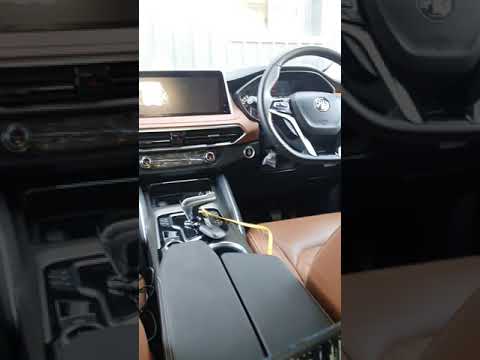
In the following video, we will see how it is possible to connect Android Auto to the smartphone in the MG Gloster. This application is very useful a…
MG Gloster
(2017-2024 /
MK 1)
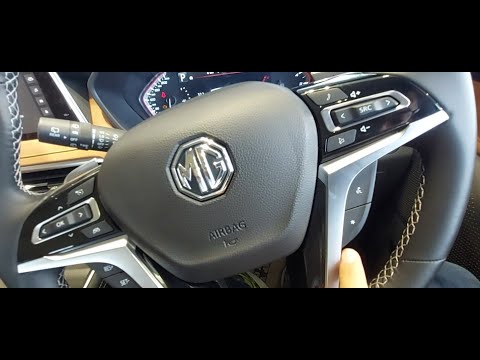
In this video tutorial we will see the guide that will allow us to discover the main features of the MG Gloster SUV. First of all, we open the front …
Other guides you may be interested in
|
How to Remove the Grille on a Ford Ranger
In this video, learn how to remove the grille located on the front bumper of a Ford Ranger. Prepare to take off the plastic grille: use a socket spanner to unscrew the fasteners securing the grille (located on the inside of the bumper). With a plastic lever, pry between the grille and the bumper until it disengages from its housing. Once the grille is free, remove it from the bumper and fit a new one. Refit the grille onto the car's bumper by pressing it into place and screw the fasteners back in. Check that all parts are correctly mounted. by ScegliAuto More videos
|
|
For advertising on this site Write to info@scegliauto.com
ScegliAuto is not responsible for any inaccuracy of the data in the lists. To report any inaccuracy or your business (if you own the business in question), please write to info@scegliauto.com
Number of seconds to generate the page: 0.044
(c) ScegliAuto 2026 - info@scegliauto.com - Privacy policy VAT number: IT01247470535 |
