
|
Do it yourself
| |||
| ||||


How to reset the tire pressure warning light in a Mini?
Model: Mini Mini Various
In this tutorial we can see how to reset the tire pressure warning light in a Mini, an extremely simple and quick operation, to be carried out only once the correct pressure of each tire has been restored following the instructions in the manual. First of all, let's go inside the cabin, then insert the key and turn on the instrument panel. Then we reach the general menu on the central display, enter "Vehicle Information", "Vehicle Status", move to the second icon and perform the reset by selecting "Initialise tyre pressure". Finally, restart the vehicle.
Posted on 13 December 2024 by ScegliAuto
Video tutorial
Related tutorials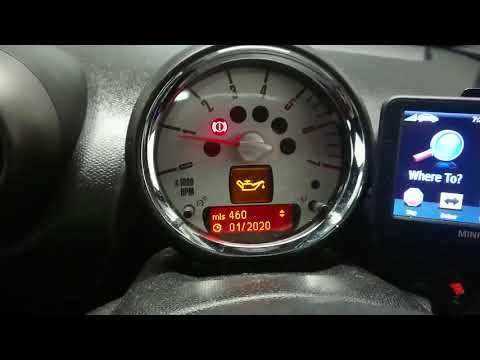
Mini Mini Various
How do you reset the service light on the 2013 Mini Countryman? In order to reset the service warning light on our 2013 Mini Countryman it is necessa…
Mini Mini Various
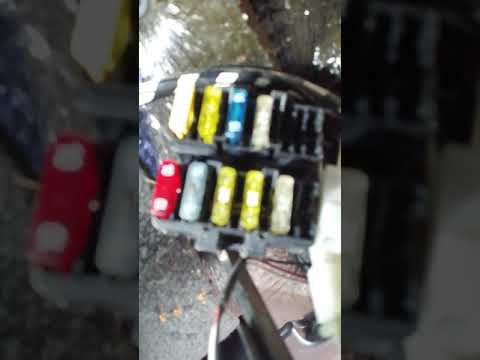
In today's video we will explain where the fuse box of our Aixam mini car is located. Once inside the car, just get down and with the help of a porta…

Mini Mini Various
In today's video we see how to remove the car radio in the first series Mini Countryman. This tutorial also applies to the other contemporary models …
Other guides you may be interested in
|
How to Remove the Driver's Side Airbag (Steering Wheel) on a BMW 3 Series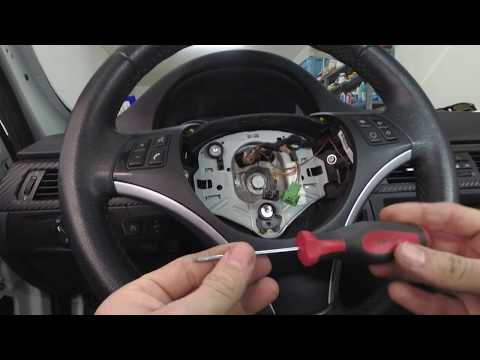
How to remove the driver's side airbag (steering wheel) on a BMW 3 Series? This operation is very simple if you follow the steps. Let's see in this guide how to proceed: insert a medium-length screwdriver into the rear slots on the steering wheel and turn until you release the clips that hold the airbag. Once the airbag is disconnected, disconnect the power connectors and remove it from the steering wheel. For reinstalling the airbag: connect the power connector, then press it onto the steering wheel until the locking clips snap into place inside the steering wheel. by ScegliAuto More videos
|
|
For advertising on this site Write to info@scegliauto.com
ScegliAuto is not responsible for any inaccuracy of the data in the lists. To report any inaccuracy or your business (if you own the business in question), please write to info@scegliauto.com
Number of seconds to generate the page: 0.098
(c) ScegliAuto 2026 - info@scegliauto.com - Privacy policy VAT number: IT01247470535 |
