
|
Do it yourself
| |||
| ||||


How to Replace the Radio in the Mini Countryman
Model: Mini Mini Various
Video tutorial
In today's video, you will learn how to remove the radio in the first generation Mini Countryman. This tutorial also applies to other contemporary models from the British manufacturer. First, remove the plastic trim pieces on the dashboard. Then, take out the central part of the display. Unscrew the fastening screws and proceed to disconnect the power connectors and the radio. Extract the radio. Carry out the necessary work and then you can refit the device into its place. Finally, test the correct functioning of the device to complete your work.
Updated on 26 June 2026 by ScegliAuto
Related tutorials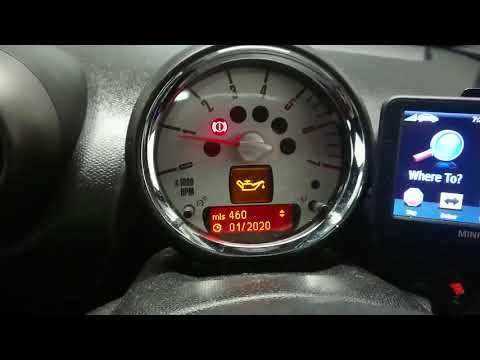
Mini Mini Various
To reset the service light on your 2013 Mini Countryman, first access the onboard computer menu. Once inside the menu, navigate to the maintenance se…
Mini Mini Various
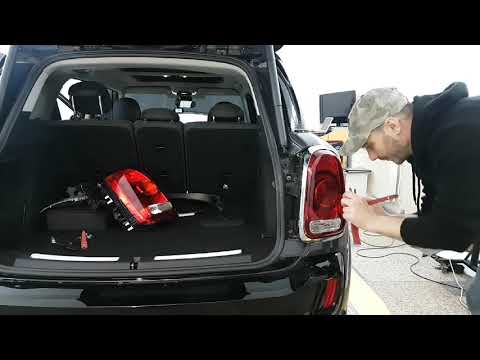
This guide shows how to remove the rear light on the 2017 Mini Countryman SE. First, open the boot and detach the rubber sheath between the tailgate …

Mini Mini Various
Thanks to this very useful tutorial, we can see how to replace the battery (CR2025) of the keyless key of a MINI vehicle (Clubman, Countryman, Pacema…
Other guides you may be interested in |
How to Open the Fuel Filler Flap in the Hyundai i30?
In this tutorial, you will learn how to open the fuel filler flap in the Hyundai i30, a very simple operation that follows the typical procedure of most vehicles. First, unlock the locks using the designated button on the remote, then open the driver's door, locate the release lever on the left side of the seat, and operate it. Next, move to the fuel filler flap, open it completely, unscrew the cap, and refuel as needed. To close the flap, simply press it gently. by ScegliAuto More videos
|
|
For advertising on this site Write to info@scegliauto.com
ScegliAuto is not responsible for any inaccuracy of the data in the lists. To report any inaccuracy or your business (if you own the business in question), please write to info@scegliauto.com
Number of seconds to generate the page: 0.014
(c) ScegliAuto 2026 - info@scegliauto.com - Privacy policy VAT number: IT01247470535 |
