
|
Do it yourself
| |||
| ||||


How to Reset the Tyre Warning Light on a Mini Cooper S?
Model: Mini Mini
R56, R55, R57
- Years 2007-2014
Resetting the tyre warning light on a Mini Cooper S is an extremely simple and quick operation. Before proceeding, ensure that you have restored the correct pressure in each tyre according to the specifications in the manual. Start by entering the cabin, then switch on the ignition. Press the "BC" button located at the end of the left stalk repeatedly until you reach the "SET/INFO" option. Next, hold the button to enter the section, navigate to the screen displaying the warning light icon, hold the button again until the reset is complete, and then restart the ignition.
Posted on 31 January 2026 by ScegliAuto
Video tutorial
Related tutorials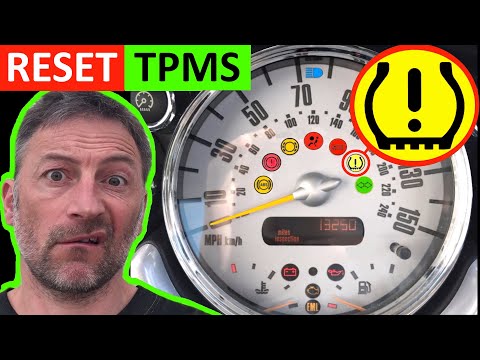
Mini
(2007-2014 /
R56, R55, R57)
In today's video, you will see the instructions to reset the tyre pressure warning light on a Mini Cooper R50-R53. Before performing the reset operat…
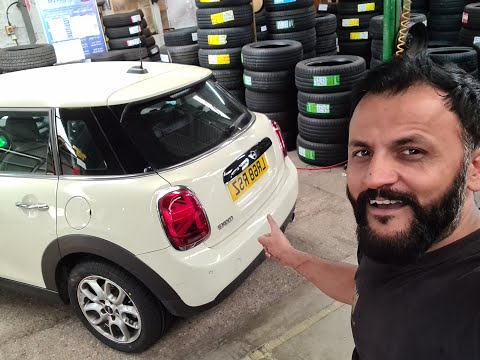
Mini
(2017-2023 /
Countryman2, F60)
In this brief guide, we will look at the steps to reset the tyre pressure warning light on a Mini Cooper S. Before performing the reset, ensure all f…
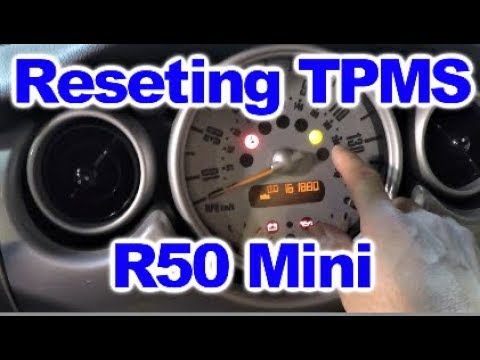
Mini
(2001-2007 /
R53, R52, R50)
The tyre pressure warning light activates when the vehicle's TPMS detects one or more anomalies in the tyre pressures. Here's how to reset the TPMS w…
Other guides you may be interested in |
How to Connect the Cables to the Battery of the Citroen Xsara Picasso?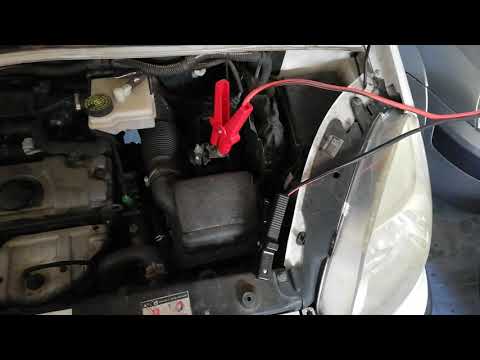
In this tutorial, you will see how to connect the cables to the battery of the Citroen Xsara Picasso, useful if you need to recharge it or perform an emergency start. First, ensure the key is not inserted, then open the bonnet and move to the front of the left headlamp. Next, locate the bolt just behind the filter box and connect the positive terminal clamp to it. Now you can connect the negative terminal to any point on the chassis, such as the indicated point. Once the operation is complete, ensure you disconnect the negative first and then the positive. by ScegliAuto More videos
|

|
For advertising on this site Write to info@scegliauto.com
ScegliAuto is not responsible for any inaccuracy of the data in the lists. To report any inaccuracy or your business (if you own the business in question), please write to info@scegliauto.com
Number of seconds to generate the page: 0.091
(c) ScegliAuto 2026 - info@scegliauto.com - Privacy policy VAT number: IT01247470535 |
