
|
Do it yourself
| |||
| ||||


How to Reset the Service Indicator on a Mini R50
Model: Mini Mini
R53, R50, R52
- Years:
2001, 2002, 2003, 2004, 2005, 2006, 2007
Video tutorial
To reset the oil change service indicator, follow this procedure: open the door and access the driver's seat, locate the button on the lower right side of the speedometer, press and hold it while turning the key to the ignition (do not start the engine). Wait about five seconds and release the button, then press it again and hold it for another five seconds until the oil service indicator turns off. To verify that the oil change indicator has turned off correctly, switch off and then back on the ignition.
Updated on 15 May 2026 by ScegliAuto
Related tutorials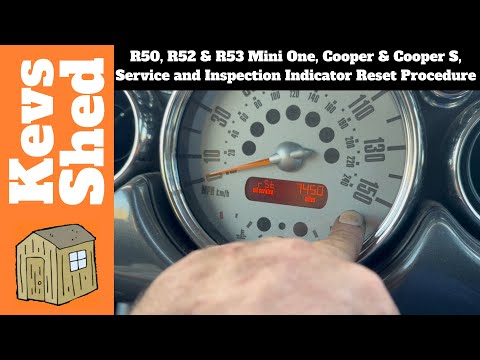
Mini
(2001-2007 /
R53, R50, R52)
To manually complete the reset of the service light on the display of the instrument cluster in your Mini Cooper R50, follow the procedure described …
Mini
(2001-2007 /
R53, R50, R52)
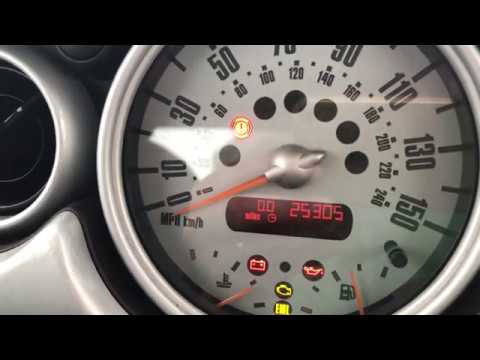
In this video, find the instructions to reset the service warning light for the oil change on a Mini Cooper R50, second series. First, get inside the…
Mini
(2001-2007 /
R53, R50, R52)
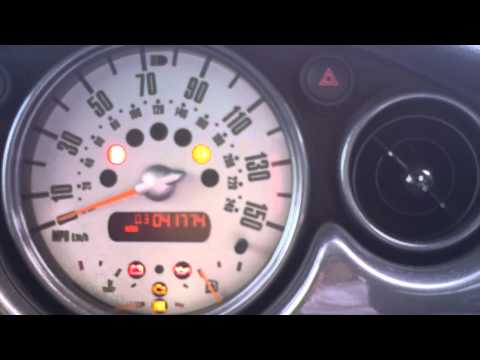
In this brief guide, we will go through the steps to reset the tyre pressure warning light on a Mini Cooper R50; before performing the reset, ensure …
Other guides you may be interested in
|
How to Reset the Tyre Pressure Warning Light on the Opel Mokka?
To reset the tyre pressure warning light on the Opel Mokka, turn on the ignition by inserting the key into the ignition switch. Once the ignition is on, navigate through the menu that appears on the dashboard by pressing the MENU button on the lever to the left of the steering wheel. When the tyre pressure option appears, press and hold the SET/CLR button located on the same lever. This will reset the warning light, and you can then turn off the ignition. by ScegliAuto More videos
|
|
For advertising on this site Write to info@scegliauto.com
ScegliAuto is not responsible for any inaccuracy of the data in the lists. To report any inaccuracy or your business (if you own the business in question), please write to info@scegliauto.com
Number of seconds to generate the page: 0.116
(c) ScegliAuto 2026 - info@scegliauto.com - Privacy policy VAT number: IT01247470535 |
