
|
Do it yourself
| |||
| ||||


How to Reset the Radio in the Nissan Note
Model: Nissan Note
MK 2, E12
- Years 2012-2022
Here are various methods to reset the Nissan Note: for a soft reset to resolve minor issues, turn on the instrument panel, activate the infotainment system, press and hold the button for 20 seconds. The screen will go black. Wait for the Nissan symbol to appear; the operation is complete. The hard reset clears all personal settings: disconnect the battery starting from the negative terminal, wait 10-15 minutes, and then reconnect the battery. You may need to enter a unlock code to reactivate the radio, usually found with the onboard documentation. The most advanced system is the self-diagnosis mode: turn off the radio audio, press the "menu" button, quickly rotate the menu knob back and forth to activate the self-diagnosis menu, then select "Reset to defaults" to restore the radio to factory settings.
Posted on 18 April 2026 by ScegliAuto
This video is currently unavailable
Related tutorials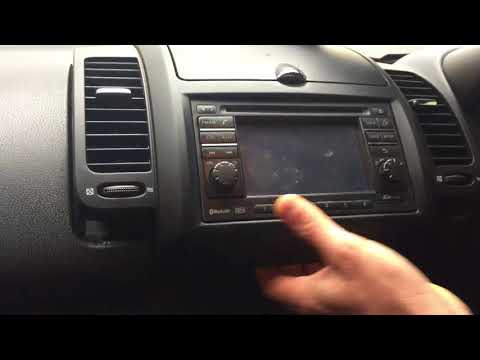
Nissan Note
(2004-2013 /
E11, MK 1)
How do you replace the radio in a Nissan Note? Start by removing the plastic cover located beneath the radio, then detach the upper protection. Remov…
…
Nissan Note
(2004-2013 /
E11, MK 1)
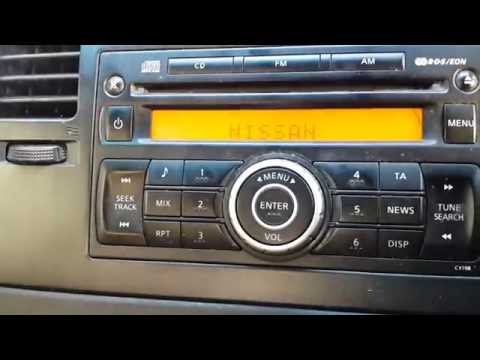
Instead of worrying about how to re-enter the radio code every time you disconnect the battery, let's eliminate the hassle once and for all by removi…
Other guides you may be interested in
|
How to reset the tyre pressure warning light on a Hyundai Tucson
Below are the instructions to reset the tyre pressure warning light (TPMS) on a Hyundai Tucson. First, get into the vehicle and turn on the instrument cluster; then navigate to the vehicle settings until you reach the tyre pressure monitor, identifying the tyre with incorrect pressure. At this point, restore all tyre pressures according to the specifications indicated on the label; this will reset the TPMS and the warning light will be cleared from the instrument cluster! by ScegliAuto More videos
|
|
For advertising on this site Write to info@scegliauto.com
ScegliAuto is not responsible for any inaccuracy of the data in the lists. To report any inaccuracy or your business (if you own the business in question), please write to info@scegliauto.com
Number of seconds to generate the page: 0.102
(c) ScegliAuto 2026 - info@scegliauto.com - Privacy policy VAT number: IT01247470535 |
