
|
Do it yourself
| |||
| ||||


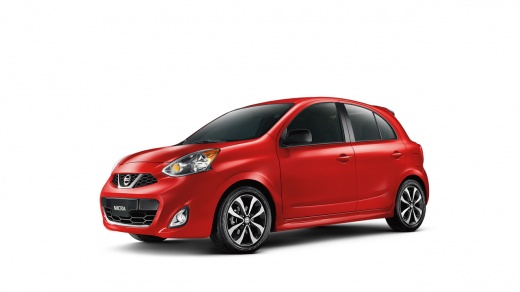
How to remove the third brake light on a Nissan Micra k13
Model: Nissan Micra
K13
- Years 2010-2017
Video tutorial
Detailed instructions - In this video, we see how to remove the third brake light on the Nissan Micra: if we open the tailgate, we see that in its upper part we find a plastic cap which, once removed, covers a hole from which we can access a yellow plastic tab. By inserting a small screwdriver into this hole, we can leverage this kind of button and remove the third brake light assembly, which apparently does not have any fixing screws, because the only point of access is this hole in the bodywork. So we leverage this tab and remove the light assembly.
Posted on 14 May 2025 by ScegliAuto
Related tutorials
Nissan Micra
(2010-2017 /
K13)
If you want to locate the OBD port inside your Nissan Micra K13, all you have to do is follow the steps described in the following guide. First of al…
Nissan Micra
(2010-2017 /
K13)
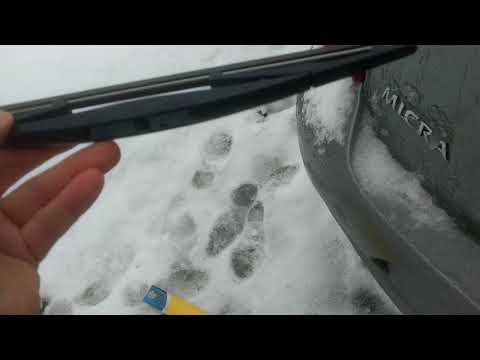
In this short video, you will see how to change the rear wiper blade on a Nissan Micra K13, third generation, in simple and quick steps. First, lift …
Nissan Micra
(2010-2017 /
K13)
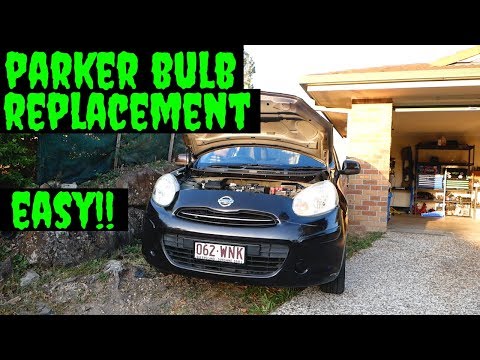
In this short and simple video, you will learn how to remove and replace the position bulb of the front headlight on a Nissan Micra K13. First, open …
Other guides you may be interested in
|
How to reset the tyre pressure warning light on the Citroën DS4?
The tyre pressure warning light on the Citroën DS4 can be reset by inflating the tyres until they reach the corresponding pressure value, which is indicated on the sticker attached to the driver's door pillar. Once all tyres are at this value, turn on the ignition by inserting the key into the ignition switch; this should make the warning light disappear from the dashboard. If it does not reset, start the engine and drive to allow the sensors to read the new values. by ScegliAuto More videos
|
|
For advertising on this site Write to info@scegliauto.com
ScegliAuto is not responsible for any inaccuracy of the data in the lists. To report any inaccuracy or your business (if you own the business in question), please write to info@scegliauto.com
Number of seconds to generate the page: 0.067
(c) ScegliAuto 2026 - info@scegliauto.com - Privacy policy VAT number: IT01247470535 |
