
|
Do it yourself
| |||
| ||||


How to Replace the Fuses on a Nissan Micra
Model: Nissan Micra
K12
- Years 2002-2010
Do you want to replace the fuses on a Nissan Micra? Enter the cabin and see the disassembly of the parts. Open the door, and using a plastic lever, remove the cover located under the dashboard (steering wheel side). Use needle-nose pliers to pull out the damaged fuses from the compartment. Once this is done, insert the new fuses into the appropriate slots in the compartment. Close the fuse inspection box with the cover under the dashboard. Test the proper functioning of the vehicle by turning on the instrument panel with the appropriate key. Use the guide behind the cover flap.
Updated on 17 April 2026 by ScegliAuto
Video tutorial
Related tutorials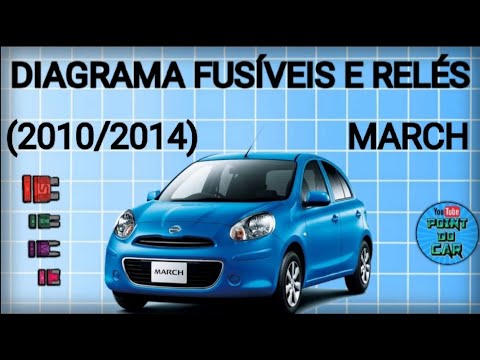
Nissan Micra
(2010-2017 /
K13)
On the Nissan Micra, the fuses are divided among three fuse boxes installed in the vehicle: in this model, the first box can be found on the left sid…

Nissan Micra
(2002-2010 /
K12)
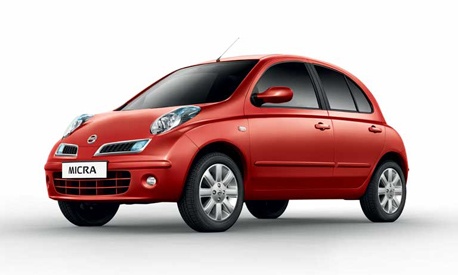
The fuses in the Nissan Micra are divided between two fuse boxes installed in the vehicle: in this model, one box is located inside the cabin and the…
Nissan Micra
(2010-2017 /
K13)
Do you want to replace the fuses on a Nissan Micra K13? Let's see where to find them and how to replace them from inside the fuse box. Lift the bonne…
Other guides you may be interested in
|
How to set the clock on the Opel Zafira
Setting the clock to the current Italian time on an Opel Zafira model B vehicle is a very simple operation, which can also be done independently thanks to our short instructional video. The first thing to do is to turn on the instrument panel and then press the SETTING button, located on the central dashboard. Once inside the menu, use the buttons to navigate to the clock setting. Change the hours and minutes and restart the instrument panel. If the clock is not updated, a diagnosis may be necessary at the radio or vehicle control unit. by ScegliAuto More videos
|
|
For advertising on this site Write to info@scegliauto.com
ScegliAuto is not responsible for any inaccuracy of the data in the lists. To report any inaccuracy or your business (if you own the business in question), please write to info@scegliauto.com
Number of seconds to generate the page: 0.365
(c) ScegliAuto 2026 - info@scegliauto.com - Privacy policy VAT number: IT01247470535 |
