
|
Do it yourself
| |||
| ||||


How to Reset the "Service" Light on a Nissan NV200
Model: Nissan Nissan Various
Begin by turning on the ignition without starting the engine. This will cause the service light to flash on the multifunction display. After a short while, the message "Service due now" will appear. Next, repeatedly press the left button on the instrument panel until the settings appear on the display. Select the "Detail" option to open a submenu. Within this submenu, select the "Maintenance" option, then choose "Other", and finally "Reset". Once you confirm your intention to reset, you will have successfully completed the process.
Updated on 2 May 2026 by ScegliAuto
Video tutorial
Related tutorials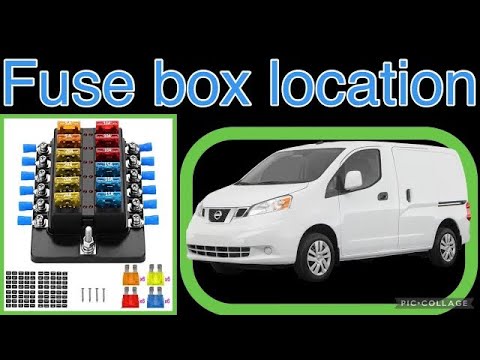
Nissan Nissan Various
On the Nissan NV200 van, being an electric vehicle, there are four fuse boxes, three of which are located under the bonnet. The video clearly shows t…
Nissan Nissan Various
If you have just serviced your 2021 Nissan NV300 and the service light continues to stay on the dashboard, do not worry as you can easily complete th…

Nissan Nissan Various
To reset the "Service" light on a Nissan Z, start by turning on the instrument panel without starting the engine. Use the buttons on the steering whe…
Other guides you may be interested in
|
Fuses Location and Diagram for the Volkswagen Crafter
In this guide, we will look at the location of the fuse boxes and how to find their diagram for the Volkswagen Crafter. First, get inside the vehicle and start by removing the plastic cover found under the steering wheel, to access the internal fuse box; you will find another fuse box in the engine compartment by removing the plastic cover located next to the battery. At this point, use the owner's manual to find the fuse diagram, which will allow you to identify and replace any blown fuses with new ones! by ScegliAuto More videos
|
|
For advertising on this site Write to info@scegliauto.com
ScegliAuto is not responsible for any inaccuracy of the data in the lists. To report any inaccuracy or your business (if you own the business in question), please write to info@scegliauto.com
Number of seconds to generate the page: 0.058
(c) ScegliAuto 2026 - info@scegliauto.com - Privacy policy VAT number: IT01247470535 |
