
|
Do it yourself
| |||
| ||||


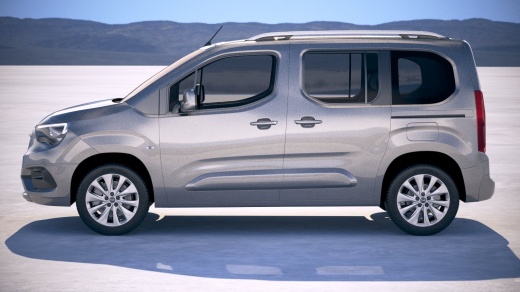
How do you reset the Service light on the Opel Combo 2019?
Model: Vauxhall Combo
MK 5, Combo E
- Years 2019-2026
Has the Service light appeared on the instrument panel of our 2019 Opel Combo? Let's not worry, it's just a reminder about the upcoming oil change, which we will need to take care of soon. The mileage interval between services is indicated in the vehicle manual and it is important to adhere to it diligently. The video tutorial uploaded here guides us on how to reset the mentioned light: Hold down the button in the center of the panel and turn on the ignition, wait a few seconds for the system to program the next service date and turn off the light.
Posted on 6 July 2025 by ScegliAuto
Video tutorial
Related tutorials
Vauxhall Combo
(2019-2026 /
MK 5, Combo E)
You can completely clear the Service light shown on the instrument panel of the Opel Combo by holding down the button located at the end of the lever…

Vauxhall Combo
(2019-2026 /
MK 5, Combo E)
In order to reset the Service light that appears on the instrument panel of the Opel Combo, you will need to press and hold the button located at the…

Vauxhall Combo
(2012-2018 /
Combo D, MK 4)
Remember that even when you have not driven the scheduled kilometres for the service interval, the service light will still illuminate over time due …
Other guides you may be interested in |
How to Replace the Headlight Bulbs on a Mercedes C-Class
Let's see how to replace the headlight bulbs on a Mercedes C-Class. Open the hood by pulling the lever located at the bottom right of the dashboard and secure it with the prop rod. Locate the inspection cap of the headlight (located at the back of the headlight) and remove it. At this point, you will find the bulbs with metal clips; pull the bulb holder out of the headlight and extract the damaged bulbs using a screwdriver or needle-nose pliers. Install the new bulbs (always the correct type and size) and insert the bulb holder back into the headlight. Reassemble all the parts removed earlier. by ScegliAuto More videos
|
For advertising on this site Write to info@scegliauto.com
ScegliAuto is not responsible for any inaccuracy of the data in the lists. To report any inaccuracy or your business (if you own the business in question), please write to info@scegliauto.com
Number of seconds to generate the page: 0.059
(c) ScegliAuto 2026 - info@scegliauto.com - Privacy policy VAT number: IT01247470535 |
