
|
Do it yourself
| |||
| ||||


How do I set the clock on the Opel Meriva?
Model: Vauxhall Meriva
MK 2, Meriva B
- Years 2010-2017
To be able to set the clock of the Opel Meriva, you need to turn on the instrument panel by turning the key and then press the CONFIG button located on the central panel of the dashboard: in this way a screen will appear where you will need to select the "System settings" item using the central knob. At this point it will be necessary to select the item "Set time" and it will therefore be possible to change the hours first and then the minutes again using the central knob. After the correct time has been set, you will be able to return to the home screen to verify the change.
Posted on 8 October 2022 by ScegliAuto
Video tutorial
Related tutorials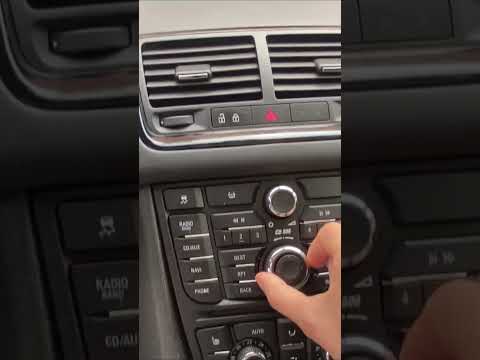
Vauxhall Meriva
(2010-2017 /
MK 2, Meriva B)
Today we will explain how to adjust the clock of the on-board computer of the Opel Meriva model B. Press the menu button on the central dashboard to …

Vauxhall Meriva
(2003-2010 /
MK 1, Meriva A)
Knowing the location where the OBD2 port of your Opel Meriva A is installed is very important as it allows you to connect any compatible diagnostic t…

Vauxhall Meriva
(2003-2010 /
MK 1, Meriva A)
In today's video tutorial we will see how to remove and replace the Opel Meriva petrol filter, following the instructions below. First of all we lift…
Other guides you may be interested in
|
Reset Service on Lancia Ypsilon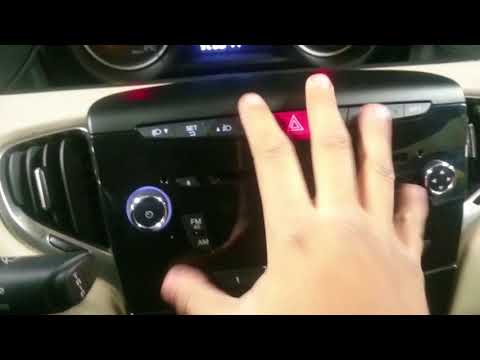
What to do when a service light appears on the instrument panel? Follow these steps. Press the "Set" button located on the central dashboard, then, once in the settings menu, scroll through the menu options using the up/down button until you find the maintenance reset option. Select the option to turn off the light that has appeared on the display using the Set button, and exit the settings menu. Check the instrument panel by turning it off and on again with the ignition key. Perform other settings and resets using the same procedure. by ScegliAuto More videos
|
For advertising on this site Write to info@scegliauto.com
ScegliAuto is not responsible for any inaccuracy of the data in the lists. To report any inaccuracy or your business (if you own the business in question), please write to info@scegliauto.com
Number of seconds to generate the page: 0.130
(c) ScegliAuto 2026 - info@scegliauto.com - Privacy policy VAT number: IT01247470535 |
