
|
Do it yourself
| |||
| ||||


How to Use Some Functions of the Navigator on the Peugeot Landtrek
Model: Peugeot Landtrek
MK 1
- Years 2020-2026
The Peugeot navigation system includes three years of free updates provided by TomTom. You can activate your user profile from the comfort of your home using your Peugeot ID created through the "MyPeugeot" app, downloaded from the Peugeot Service Store, or you can do it from your vehicle, but only when you are parked and safe. For the navigation screen, select the gear icon to choose the user profile; then select "messages", then "connection services", and make sure the voice guidance is activated. Press the globe to update. You can perform all these operations from the service store as well. Then return to the messages screen and select "private mode" or share the vehicle's data and location by selecting live services. These services will be available. Select the "settings" menu to access the maps, for which you will need to click on "authorize sending information". You will need to change this setting every time you do not want to share your location and reactivate it when you want to return to sharing. Each time, you will need to update by pressing the globe button. If you are in an area with poor signal coverage, you can use your phone as a hotspot; you can find usage instructions on the Peugeot website.
Updated on 27 July 2026 by ScegliAuto
Video tutorial
Related tutorials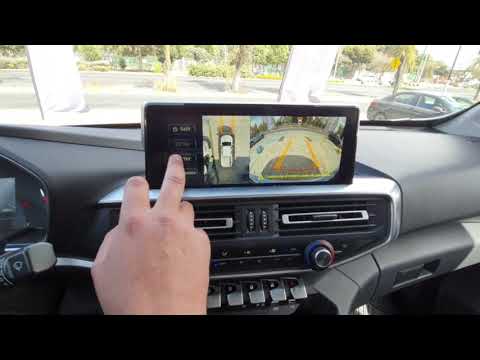
Peugeot Landtrek
(2020-2026 /
MK 1)
In this guide, discover how to use the external cameras on a Peugeot Landtrek, assisting the driver during parking maneuvers and while driving. First…
Peugeot Landtrek
(2020-2026 /
MK 1)
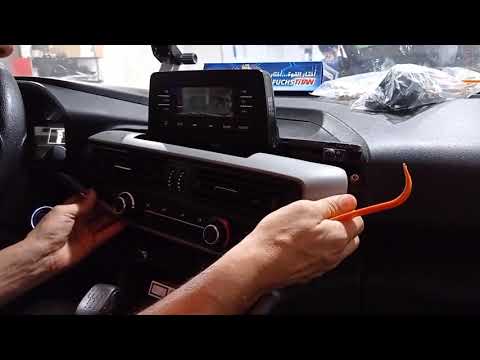
To replace the center display of the Peugeot Landtrek, use a prying tool to detach the climate control panel located directly below the center displa…
Peugeot Landtrek
(2020-2026 /
MK 1)
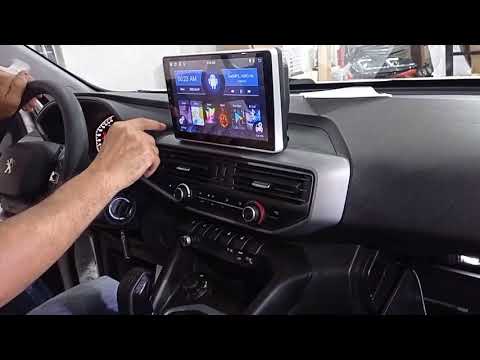
In today's video, we will go over the main instructions to install a new Android multimedia system on the Peugeot Landtrek. First, get inside the veh…
Other guides you may be interested in |
How to Connect the Cables to the Battery of the Citroen Xsara Picasso?
In this tutorial, you will see how to connect the cables to the battery of the Citroen Xsara Picasso, useful if you need to recharge it or perform an emergency start. First, ensure the key is not inserted, then open the bonnet and move to the front of the left headlamp. Next, locate the bolt just behind the filter box and connect the positive terminal clamp to it. Now you can connect the negative terminal to any point on the chassis, such as the indicated point. Once the operation is complete, ensure you disconnect the negative first and then the positive. by ScegliAuto More videos
|

|
For advertising on this site Write to info@scegliauto.com
ScegliAuto is not responsible for any inaccuracy of the data in the lists. To report any inaccuracy or your business (if you own the business in question), please write to info@scegliauto.com
Number of seconds to generate the page: 0.342
(c) ScegliAuto 2026 - info@scegliauto.com - Privacy policy VAT number: IT01247470535 |
