
|
Do it yourself
| |||
| ||||


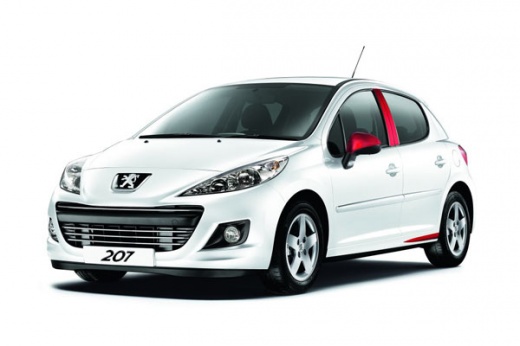
How to Reset the Maintenance Reminder on a Peugeot 207
Model: Peugeot 207
MK 1
- Years:
2006, 2007, 2008, 2009, 2010, 2011, 2012, 2013, 2014, 2015
This video is currently unavailable
To reset the maintenance reminder indicator, you will need to start your vehicle's ignition to use the buttons located next to the central display of the onboard computer. By holding both buttons for a few seconds, you will notice that all the warning lights on the dashboard will illuminate. Continue holding the buttons, and you will see a countdown start. When it reaches zero, you can turn off the ignition and restart the car to completely resolve the issue, and that's it!
Updated on 26 February 2026 by ScegliAuto
Related tutorials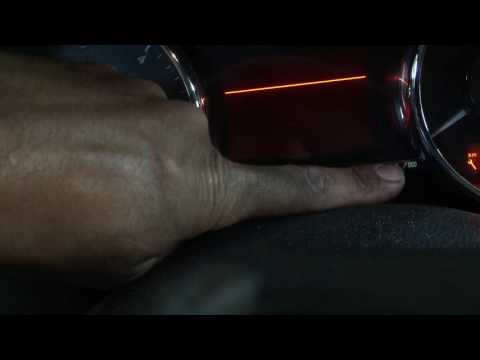
Peugeot 207
(2006-2015 /
MK 1)
In this guide, reset the maintenance indicator on a Peugeot 207. This operation is straightforward and does not require complicated steps. Enter the …

Peugeot 207
(2006-2015 /
MK 1)
The convertible version of the Peugeot 207, namely the Peugeot 207 cc, could suddenly show electrical problems with the opening of the roof, which ca…
Peugeot 207
(2006-2015 /
MK 1)
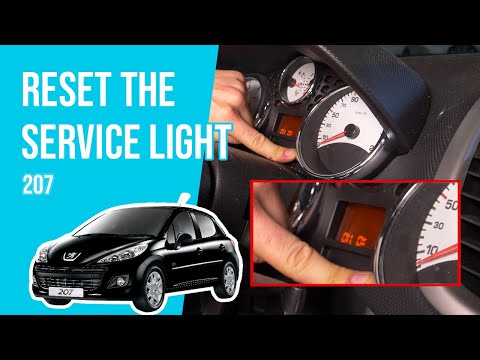
This video shows how to perform the maintenance reset procedure on a Peugeot 207. This procedure is very simple and quick, taking less than 1 minute …
Other guides you may be interested in
|
Frequently Asked QuestionsHow to Activate Cruise Control on the Peugeot 3008
Today's steps will show you how to activate cruise control on the Peugeot 3008, following the instructions below. First, get into the vehicle and start the engine. To activate cruise control, you must reach a minimum speed. Then, activate cruise control using the central button on the left stalk, adjusting the speed with the buttons; use the dial to set the speed limit. Pressing the brake pedal will automatically disable the cruise control system. by ScegliAuto More videos
|
|
For advertising on this site Write to info@scegliauto.com
ScegliAuto is not responsible for any inaccuracy of the data in the lists. To report any inaccuracy or your business (if you own the business in question), please write to info@scegliauto.com
Number of seconds to generate the page: 0.034
(c) ScegliAuto 2026 - info@scegliauto.com - Privacy policy VAT number: IT01247470535 |
