
|
Do it yourself
| |||
| ||||


|
Model: Piaggio Beverly 350
To reset the service indicator on a Piaggio Beverly 350, follow these steps: Turn the ignition key to the "ON" position without starting the engine. Locate the mode button on the dashboard. It is usually found near the display or on the handlebars. Press and hold the mode button for a few seconds until the service symbol or message appears on the display. Once the service symbol or message is displayed, release the mode button. Press and hold the mode button again for a few seconds until the service symbol or message starts to flash. Release the mode button. Press and hold the mode button once more until the service symbol or message stops flashing and resets. This process may take a few seconds. Release the mode button. Start the engine and check that the maintenance indicator has been reset.
Updated on 17 September 2026 by ScegliAuto
Video tutorial
Related tutorials
Beverly 350
The procedure for replacing the exhaust pipe of the Piaggio Beverly 350 is carried out by loosening the screw located at the bottom and at the top, i…
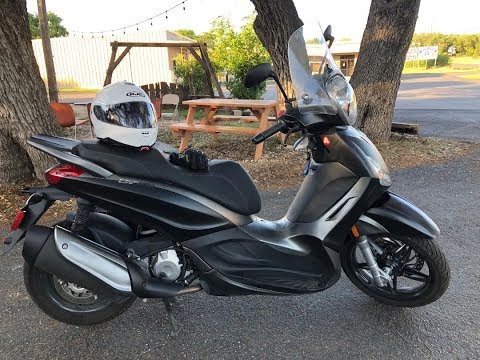
Beverly 350
In this video, you can see where the battery is located on the Piaggio Beverly 350 scooter and how to access it, useful in case you need to replace i…

Beverly 350
This guide provides instructions for removing and replacing the drive belt on the Piaggio Beverly 350 scooter in simple steps. First, place the scoot…
|
How to Replace the Exhaust on a GasGas EC 250?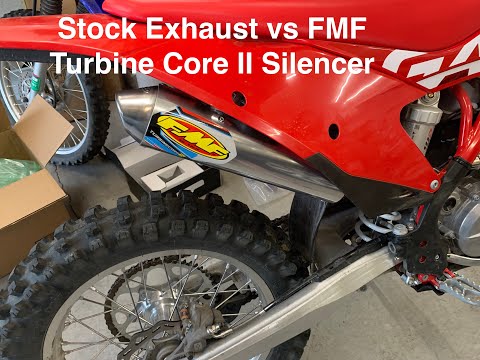
To replace the exhaust on a GasGas EC 250, loosen the screws that secure the side panels of the bike, near the rear mudguard. Once these panels are completely removed, you can loosen the screws that secure the exhaust at the upper support. Then, it must be freed from its exhaust pipe by loosening the securing ring and completely removing the exhaust. This will allow you to fit the new exhaust into its housing, securing it to the appropriate supports. by ScegliAuto More videos
|
|
For advertising on this site Write to info@scegliauto.com
ScegliAuto is not responsible for any inaccuracy of the data in the lists. To report any inaccuracy or your business (if you own the business in question), please write to info@scegliauto.com
Number of seconds to generate the page: 0.187
(c) ScegliAuto 2026 - info@scegliauto.com - Privacy policy VAT number: IT01247470535 |
