
|
Do it yourself
| |||
| ||||


How to set the time on the Renault Clio 4
Model: Renault Clio
MK 4, Clio 4, Clio IV
- Years 2012-2019
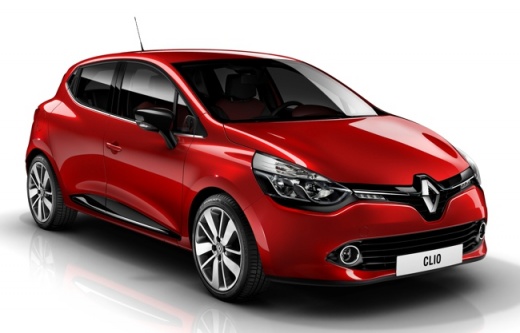
In this article, we will see how to set the time on the Renault Clio 4. The procedure takes less than 1 minute to complete and does not require the use of software or tools. To reset the time, we must first start the instrument panel, then press and hold the up arrow button until the time starts flashing. When the time starts flashing, we must release the button and press it to adjust the hour. Once we have adjusted the hour, we move the lever forward to confirm and then adjust the minutes using the up arrow button. Once adjusted, we confirm by moving the lever forward again and the procedure will be complete.
Posted on 16 September 2024 by ScegliAuto
Video tutorial
Related tutorials
Renault Clio
(2005-2013 /
Clio 3, MK 3, Clio III)
Today we will explain how to set the dashboard clock on a Renault model vehicle. Setting the time on the instrument panel of the Renault Clio mk3 mod…
Renault Clio
(2012-2019 /
MK 4, Clio 4, Clio IV)
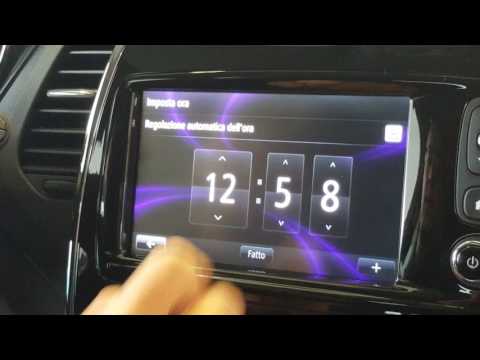
Want to set the time or date on your car? Here’s how to do it on a Renault Clio. First, turn on the ignition with the key, then power up the multimed…
Renault Clio
(2005-2013 /
Clio 3, MK 3, Clio III)
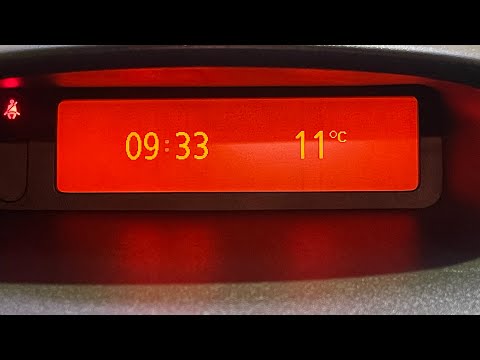
In this tutorial we can see how to set the time in the Renault Clio, an extremely simple and fast operation, to be carried out for example after repl…
Other guides you may be interested in |
How to Remove the Tailgate Handle on a Nissan Qashqai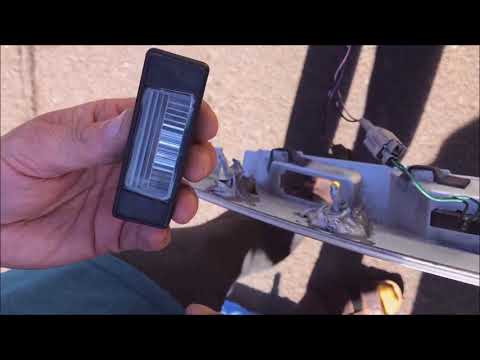
Follow these steps to remove the tailgate handle on a Nissan Qashqai to replace the number plate bulbs. First, open the rear tailgate of the car, then unscrew the screws on the plastic trim of the tailgate using a screwdriver (remove the plastic rivets). Detach the plastic trim from the tailgate, unscrew the securing bolts of the external handle with a screwdriver. Finally, remove the tailgate handle by hand. Take the new part and disassemble the number plate light. Reassemble everything in reverse order. by ScegliAuto More videos
|
|
For advertising on this site Write to info@scegliauto.com
ScegliAuto is not responsible for any inaccuracy of the data in the lists. To report any inaccuracy or your business (if you own the business in question), please write to info@scegliauto.com
Number of seconds to generate the page: 0.046
(c) ScegliAuto 2026 - info@scegliauto.com - Privacy policy VAT number: IT01247470535 |
