
|
Do it yourself
| |||
| ||||


How to change the language of the multimedia system and dashboard of the Renault Captur
Model: Renault Captur
MK 1
- Years 2013-2019
Below we will see the instructions that will allow us to change the language on the instrument panel and multimedia system of the Renault Captur. In order to carry out this type of operation, it will be necessary to use a specific software, to be connected to the central unit socket; then we turn on the instrument panel and select the brand and model of the car, as shown in the video. At this point, we go to the settings and then to the language change, following the guided procedure to make the modification; once the language change has been made, it will be possible to disconnect the tool.
Posted on 29 March 2025 by ScegliAuto
Video tutorial
Related tutorials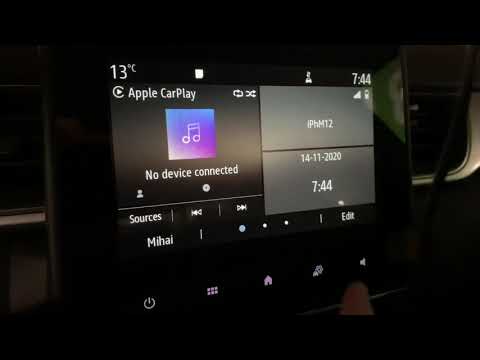
Renault Captur
(2019-2026 /
MK 2)
Let's see in this short guide how to change the language of the on-board computer and instrument panel of the Renault Captur, but also of the Clio, i…

Renault Captur
(2013-2019 /
MK 1)
In this video we see how to change the language set on the display of the instrument panel of the Renault Captur MK1 (or the Clio IV, the procedure i…

Renault Captur
(2019-2026 /
MK 2)
In this video we see the operation of the tire pressure control system in the Renault Captur. The system constantly monitors the tire pressure and, i…
Other guides you may be interested in
|
Frequently Asked QuestionsHow to Reset the Oil Service on a Ford Focus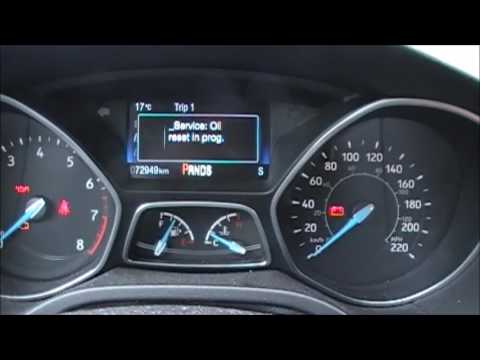
In this video, learn how to reset the oil service maintenance indicator on a Ford Focus. This operation is very simple: enter the vehicle, turn on the instrument panel, and press the button located near the steering wheel for a few seconds, a drop-down menu will appear, scroll until you find the oil reset option. Confirm the reset with the OK button (a message will appear indicating the reset was successful). Check on the instrument panel how many miles until the next oil change service. Always remember to make changes to the onboard computer with the vehicle stationary and turned off. by ScegliAuto More videos
|

|
For advertising on this site Write to info@scegliauto.com
ScegliAuto is not responsible for any inaccuracy of the data in the lists. To report any inaccuracy or your business (if you own the business in question), please write to info@scegliauto.com
Number of seconds to generate the page: 0.050
(c) ScegliAuto 2026 - info@scegliauto.com - Privacy policy VAT number: IT01247470535 |
