
|
Do it yourself
| |||
| ||||


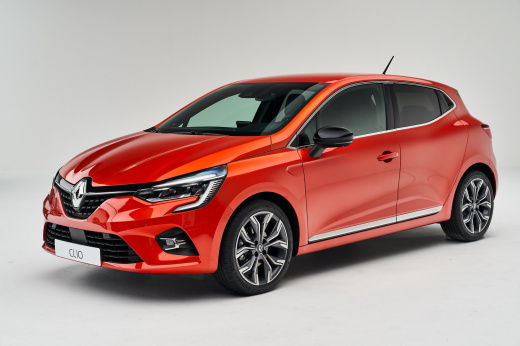
How to adjust the clock on the instrument panel of the Renault Clio V
Model: Renault Clio
Clio V, Clio 5
- Years:
2019, 2020, 2021, 2022, 2023, 2024, 2025, 2026
Video tutorial
In this video tutorial, we will show you how to adjust the clock of the instrument panel of the Renault Clio model 5. Access the settings menu by selecting the HOME button and using the touch arrow, select the "set time" option. Set the hour and then the minutes, and after confirming the operation, return to the main menu. On new generation vehicles, it is not necessary to restart the instrument panel after setting the time, and it is also possible to set the automatic time change by connecting the vehicle to the GPS satellite. From the time menu, we can also decide whether to display the time in Italian or American.
Posted on 4 November 2025 by ScegliAuto
Related tutorials
Renault Clio
(2005-2013 /
Clio 3, MK 3, Clio III)
This guide explains how to set the clock on a Renault Clio mk3. To adjust the hours and minutes on the instrument cluster display, simply turn on the…

Renault Clio
(2005-2013 /
Clio 3, MK 3, Clio III)
Today we will explain how to set the dashboard clock on a Renault model vehicle. Setting the time on the instrument panel of the Renault Clio mk3 mod…
Renault Clio
(1998-2005 /
MK 2, Clio 2)
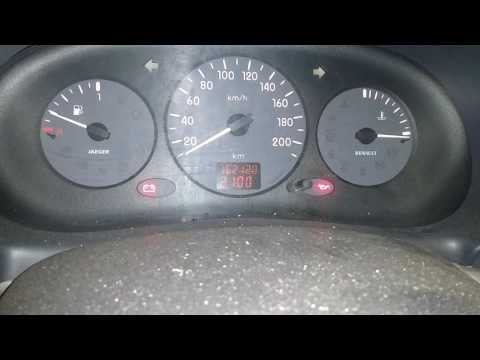
In today's video, learn how to set the clock in the second generation Renault Clio. First, turn on the ignition of your vehicle. Then, move to the ce…
Other guides you may be interested in |
How to Activate the Disabled TRC on the Toyota Yaris?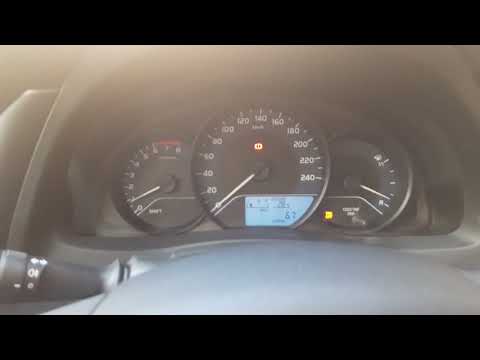
As the video clearly shows, disabling or activating the traction control (TRC or ESP) on the Toyota Yaris is very simple. By default, the traction system activates every time the vehicle is started. To disable it, simply press the button depicting a skidding car located in the centre of the vehicle where the controls are, such as the hazard lights and the radio, but near the handbrake. Once disabled, the TRC off light will illuminate on the dashboard. To reactivate it, just press the same button again. by ScegliAuto More videos
|
|
For advertising on this site Write to info@scegliauto.com
ScegliAuto is not responsible for any inaccuracy of the data in the lists. To report any inaccuracy or your business (if you own the business in question), please write to info@scegliauto.com
Number of seconds to generate the page: 0.063
(c) ScegliAuto 2026 - info@scegliauto.com - Privacy policy VAT number: IT01247470535 |
