
|
Do it yourself
| |||
| ||||


How to Access the External Fuse Box on the Renault Clio
Model: Renault Clio
Clio III, MK 3, Clio 3
- Years:
2005, 2006, 2007, 2008, 2009, 2010, 2011, 2012, 2013
Video tutorial
Today, we will discover how to access the external fuse box on the Renault Clio, retrieving the fuse diagram and layout. First, open the front door of the vehicle and lift the bonnet by pulling the lever located at the bottom; then, remove the plastic cover of the fuse box located at the top right, as shown in the video. Usually, you will find the fuse diagram inside the cover, which is also available in the vehicle's user and maintenance manual; here you will find tables with codes and amperages.
Posted on 19 October 2026 by ScegliAuto
Related tutorials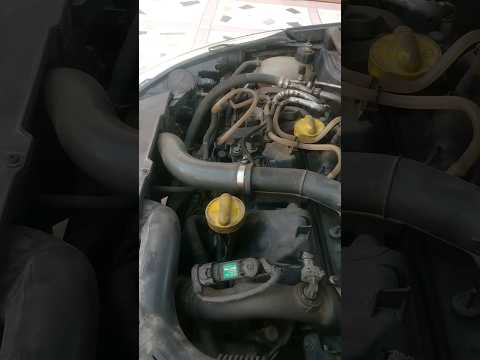
Renault Clio
(2012-2019 /
Clio 4, MK 4, Clio IV)
Today's guide will show you where to find the external fuses and how to obtain their diagram for the Renault Clio, in simple steps. First, open the b…
Renault Clio
(2005-2013 /
Clio III, MK 3, Clio 3)
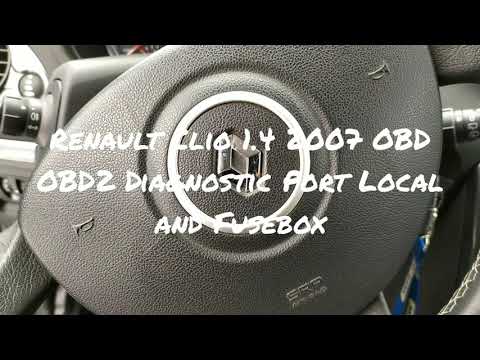
This guide briefly outlines how to locate the fuse boxes and their diagram for the Renault Clio. First, get inside the vehicle and locate the interna…
Renault Clio
(2005-2013 /
Clio III, MK 3, Clio 3)
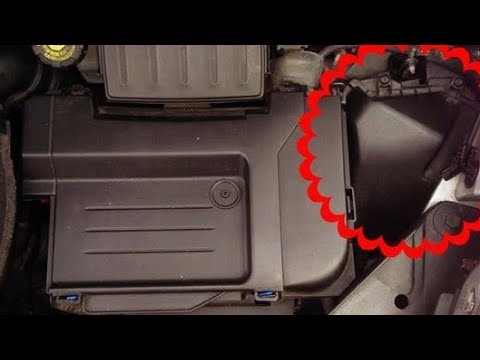
Let's briefly review the instructions that will help you identify the diagram and positioning of the external fuses for the Renault Clio. First, open…
Other guides you may be interested in
|
Frequently Asked QuestionsHow to Reset the Tyre Warning Light on the Suzuki Swift
If the orange tyre warning light on the instrument cluster of your latest Suzuki Swift remains illuminated despite no loss of pressure, don't worry because you can easily reset it by following this procedure. First, get into the driver's seat and start the ignition, then press and hold the button located below the speedometer and release it as soon as the menu screen appears on the display. At this point, select "TPMS" and then press "TPMS Mode". Finally, select the "Load Mode" option and proceed with the manual reset of the warning light. by ScegliAuto More videos
|
|
For advertising on this site Write to info@scegliauto.com
ScegliAuto is not responsible for any inaccuracy of the data in the lists. To report any inaccuracy or your business (if you own the business in question), please write to info@scegliauto.com
Number of seconds to generate the page: 0.118
(c) ScegliAuto 2026 - info@scegliauto.com - Privacy policy VAT number: IT01247470535 |
