
|
Do it yourself
| |||
| ||||


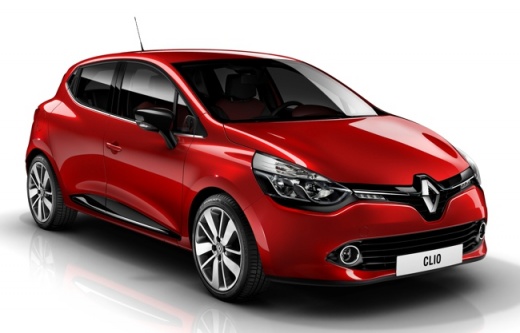
How to reset the "Service" light on a Renault Clio
Model: Renault Clio
MK 4, Clio 4, Clio IV
- Years 2012-2019
Before starting, we will have to go and sit in the driver's seat of our Renault Clio. So let's start by inserting the key in the appropriate slot, and then activate the instrument panel. Then, using the appropriate selection buttons, we will have to select the item "Review autonomy". At this point, we will have to press and hold the select button until the phrase "Maintenance in between" appears. We will have to keep holding the select button until the "Service" light goes out, and we will have successfully completed the reset.
Posted on 15 March 2021 by ScegliAuto
Video tutorial
Related tutorials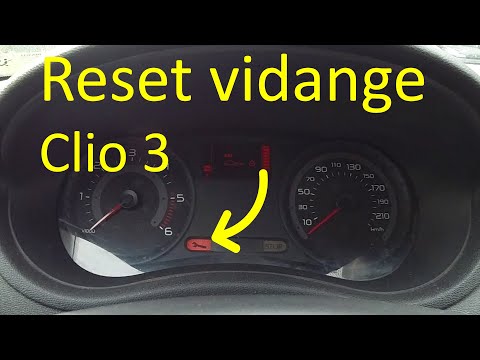
Renault Clio
(2005-2013 /
MK 3, Clio 3, Clio III)
In order to reset the Renault Clio Service warning light, you need to turn on the instrument panel and then press and hold the button located at the …
Renault Clio
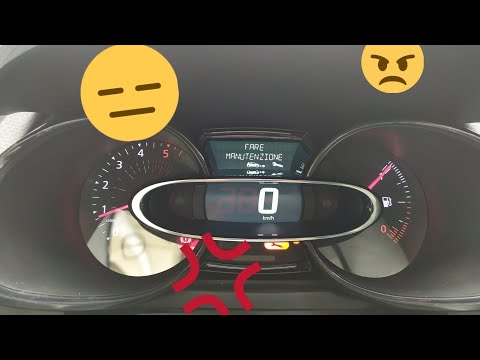
(2012-2019 /
MK 4, Clio 4, Clio IV)
Before we can begin, we will have to sit in the driver's seat of our Renault Clio. Let's start by activating the instrumentation of our Renault Clio.…
Renault Clio
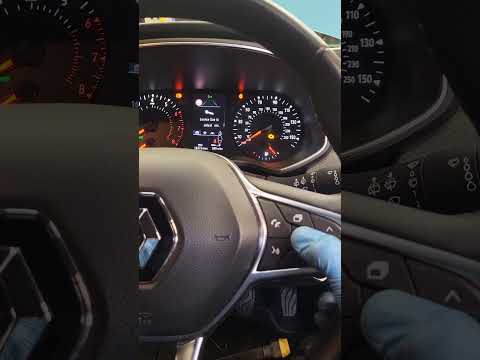
(2019-2026 /
Clio V, Clio 5)
Good morning, today's goal is to reset the "Service" light of our Renault Clio. Let's turn on the car's instrument panel by pressing the ignition but…
Other guides you may be interested in
|
Removing VW Passat Interior Lights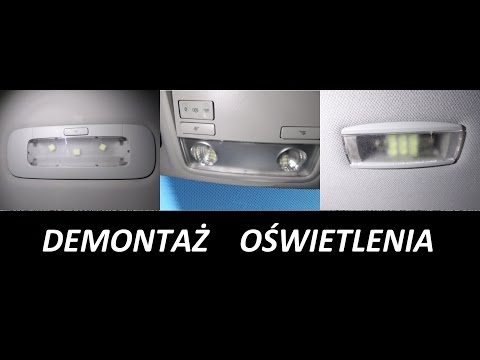
Below is how to replace the bulbs in all the interior lights of this vehicle. For the lights on the roof, use a flathead screwdriver to gently lever at the side where you will release the retaining clip, pull it out, and after replacing the bulb, press it back into place. For the light above the front seats, lever (with the flathead screwdriver) directly on the transparent plastic to detach it from the retaining tabs (replace the bulbs and press it back into place). For the rear light and number plate lights, perform the same operation: lever to release the tab, replace, and press back into place. by ScegliAuto More videos
|
|
For advertising on this site Write to info@scegliauto.com
ScegliAuto is not responsible for any inaccuracy of the data in the lists. To report any inaccuracy or your business (if you own the business in question), please write to info@scegliauto.com
Number of seconds to generate the page: 0.118
(c) ScegliAuto 2026 - info@scegliauto.com - Privacy policy VAT number: IT01247470535 |
