
|
Do it yourself
| |||
| ||||


How to reset the service in the Renault Trafic van?
Model: Renault Trafic
MK 3
- Years 2014-2026
In this tutorial we can see how to reset the service in the Renault Trafic van, an operation to be carried out only after completing all the required scheduled maintenance work. First of all we turn on the instrument panel, then we scroll through the various screens on the display until we find the one relating to the service intervals. Next, we enter the section by holding down the up arrow key and holding it down a second time to complete the procedure. Finally, we check that the operation has been carried out correctly by restarting the panel.
Posted on 29 March 2022 by ScegliAuto
Video tutorial
Related tutorials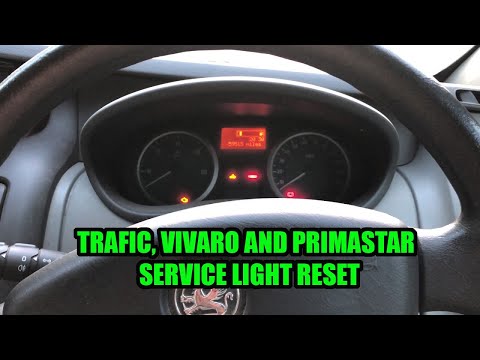
Renault Trafic
(2001-2014 /
MK 2)
.. In this tutorial we can see how to reset the service in the Renault Trafic van, a very simple and fast operation, to be carried out.. …

Renault Trafic
(2014-2026 /
MK 3)
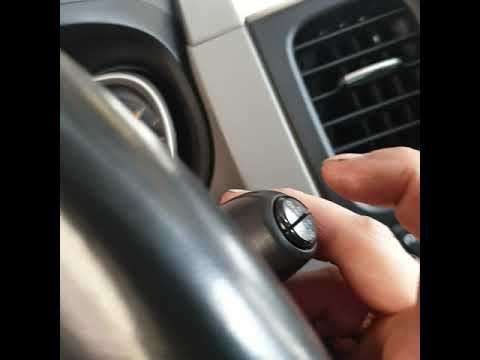
Today we will explain the steps to reset the service light on a Renault Trafic mk3 model car on your own. To reset the service light, we need to get …
Renault Trafic
(2014-2026 /
MK 3)
As we can see in this tutorial, resetting the tire warning light in the Renault Trafic van is a very simple and quick operation. Before proceeding, o…
Other guides you may be interested in
|
How to Remove the Rear Bumper on the Ford Fiesta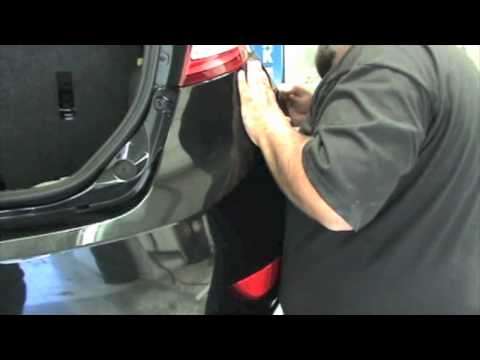
The preliminary operation is to detach the rear wheel arch from the bumper to access the screws underneath that secure the bumper (the wheel arch detaches by extracting the two plastic screws with a lever). Now unscrew all the screws around the perimeter of the bumper (you can see them by opening the rear hatch) and now you can detach the plastic from the bodywork by gently pulling it outwards: during this operation, be careful not to break the locking pins. Once you have extracted and replaced the bumper, you can reposition it and secure it by following the same operations done previously. by ScegliAuto More videos
|
|
For advertising on this site Write to info@scegliauto.com
ScegliAuto is not responsible for any inaccuracy of the data in the lists. To report any inaccuracy or your business (if you own the business in question), please write to info@scegliauto.com
Number of seconds to generate the page: 0.116
(c) ScegliAuto 2026 - info@scegliauto.com - Privacy policy VAT number: IT01247470535 |
